| | How to Turn Summer Events Into a Sublimation Revenue Stream | | | | Pick one niche. Build your anchor product. Launch inside a community you already know. That is how a printer becomes a business. |
|
|
|
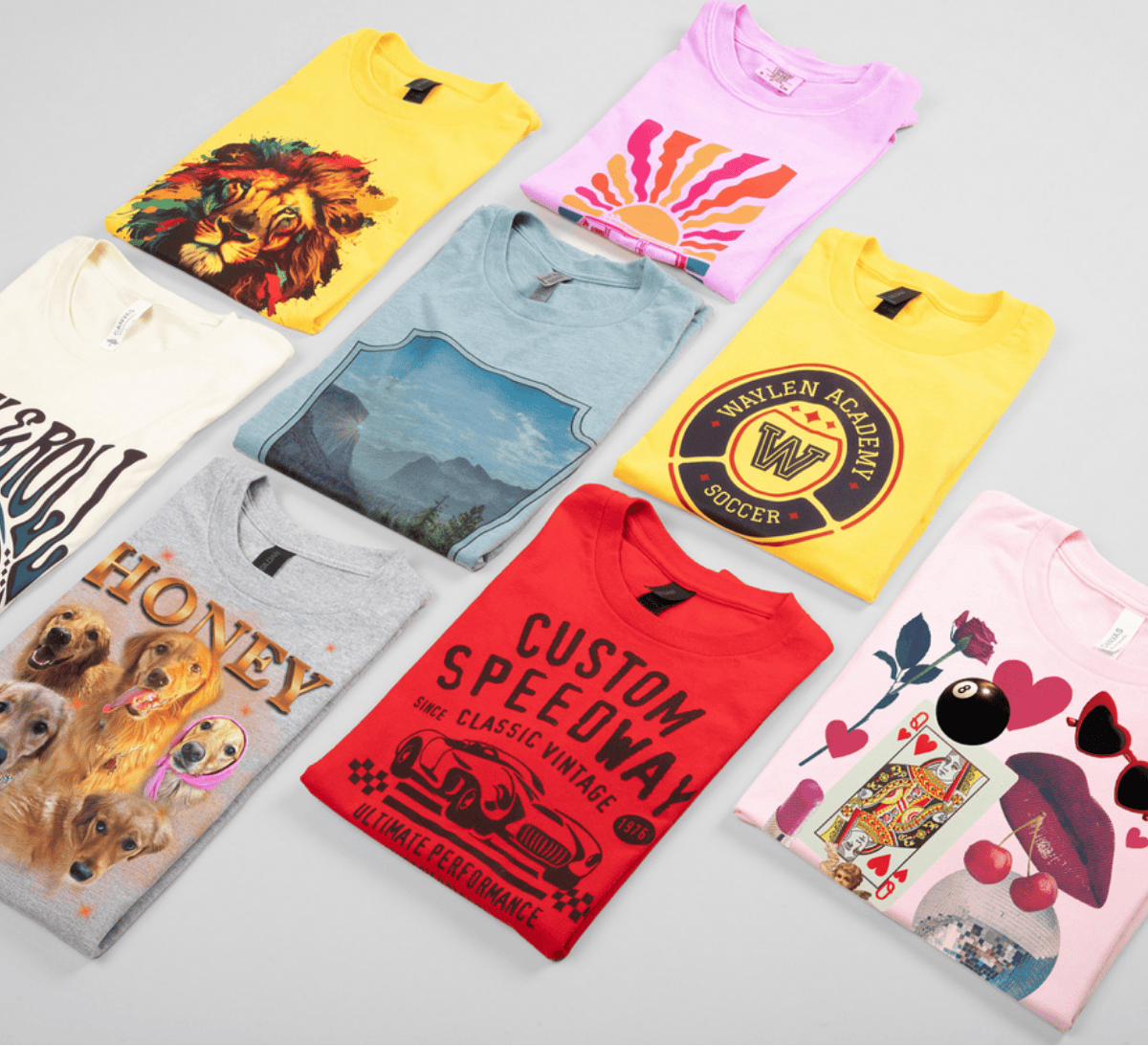
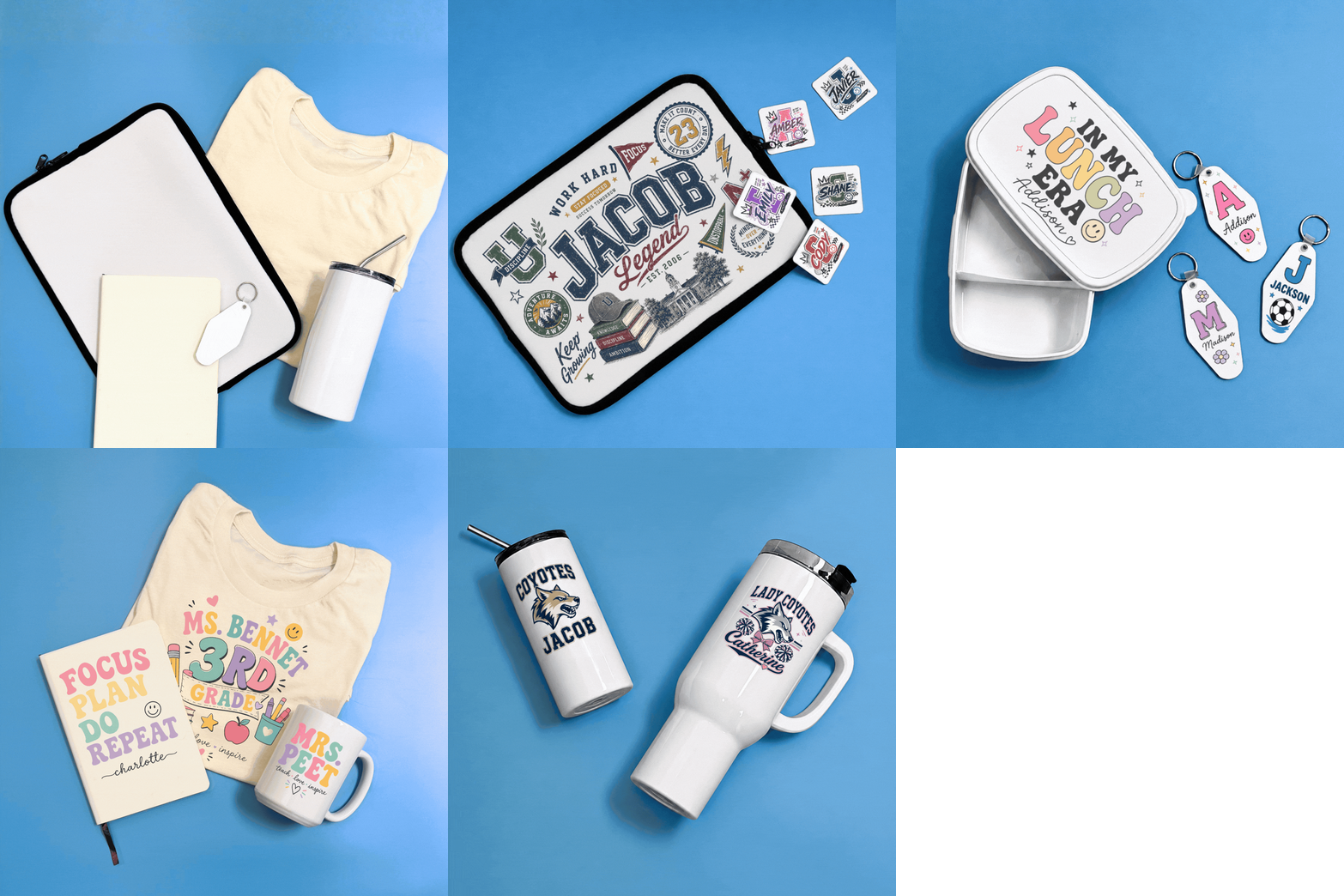
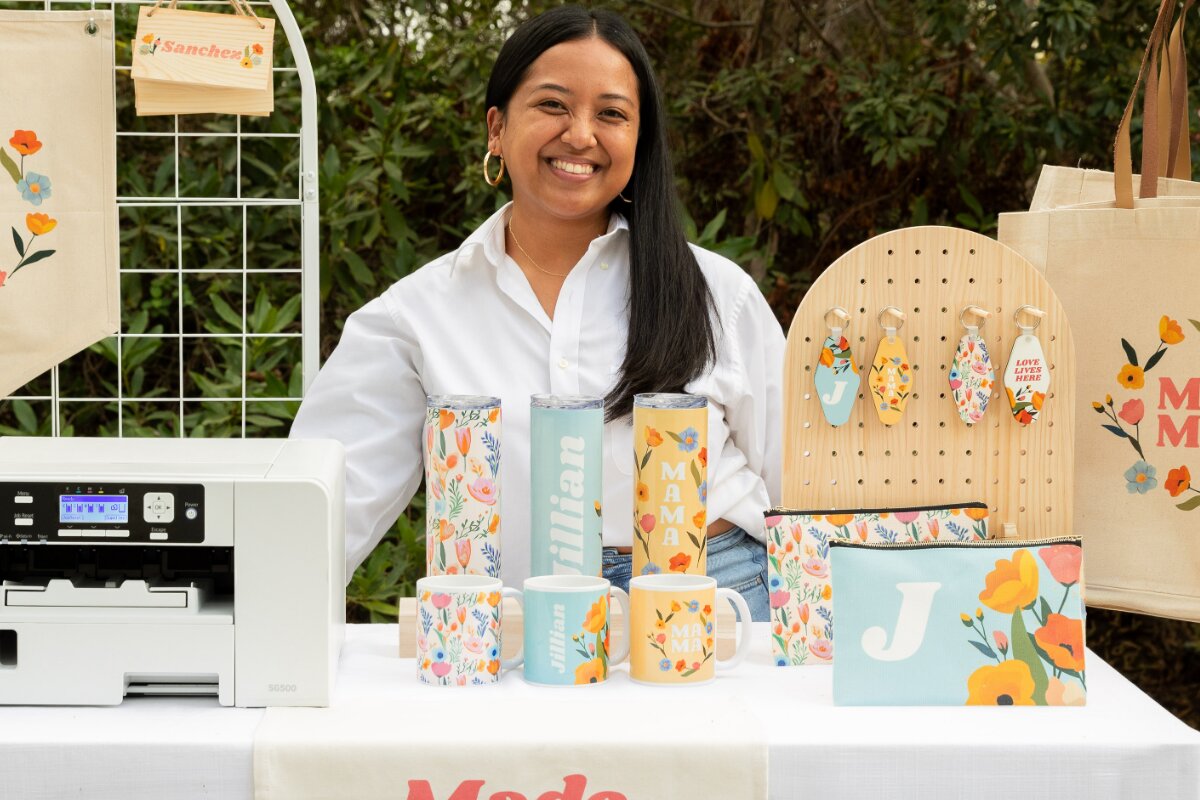
| | | The hardest part of starting a custom products business is not the printing. It is knowing who to sell to. Below are five specific audiences with real seasonal demand, natural repeat-order behavior and products that showcase exactly what a Sawgrass system does best: vibrant sublimation on drinkware and no-cut, no-weed cotton decoration with VersiFlex. |
|
|
|
| | Top 5 Categories This Summer |
|
|
|
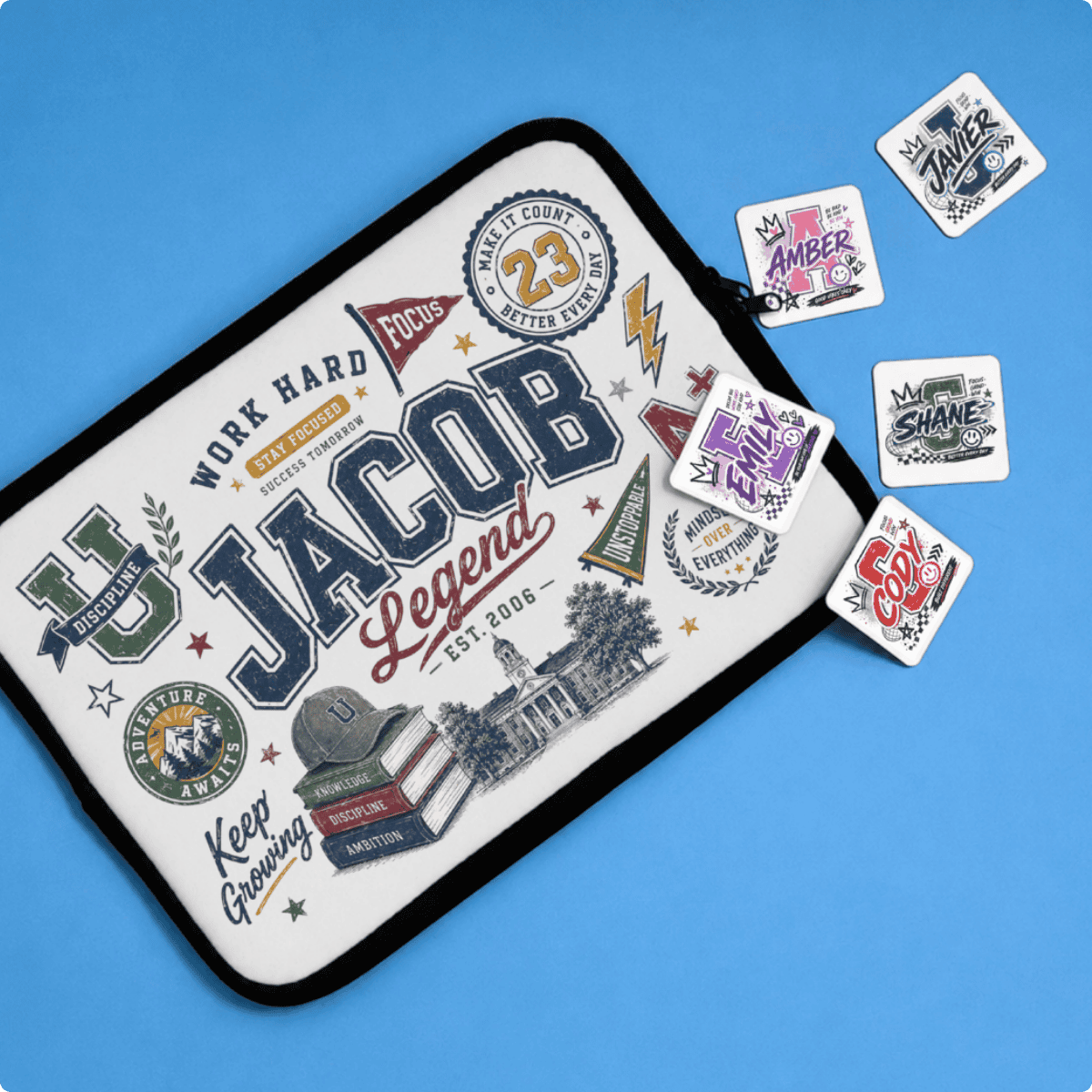
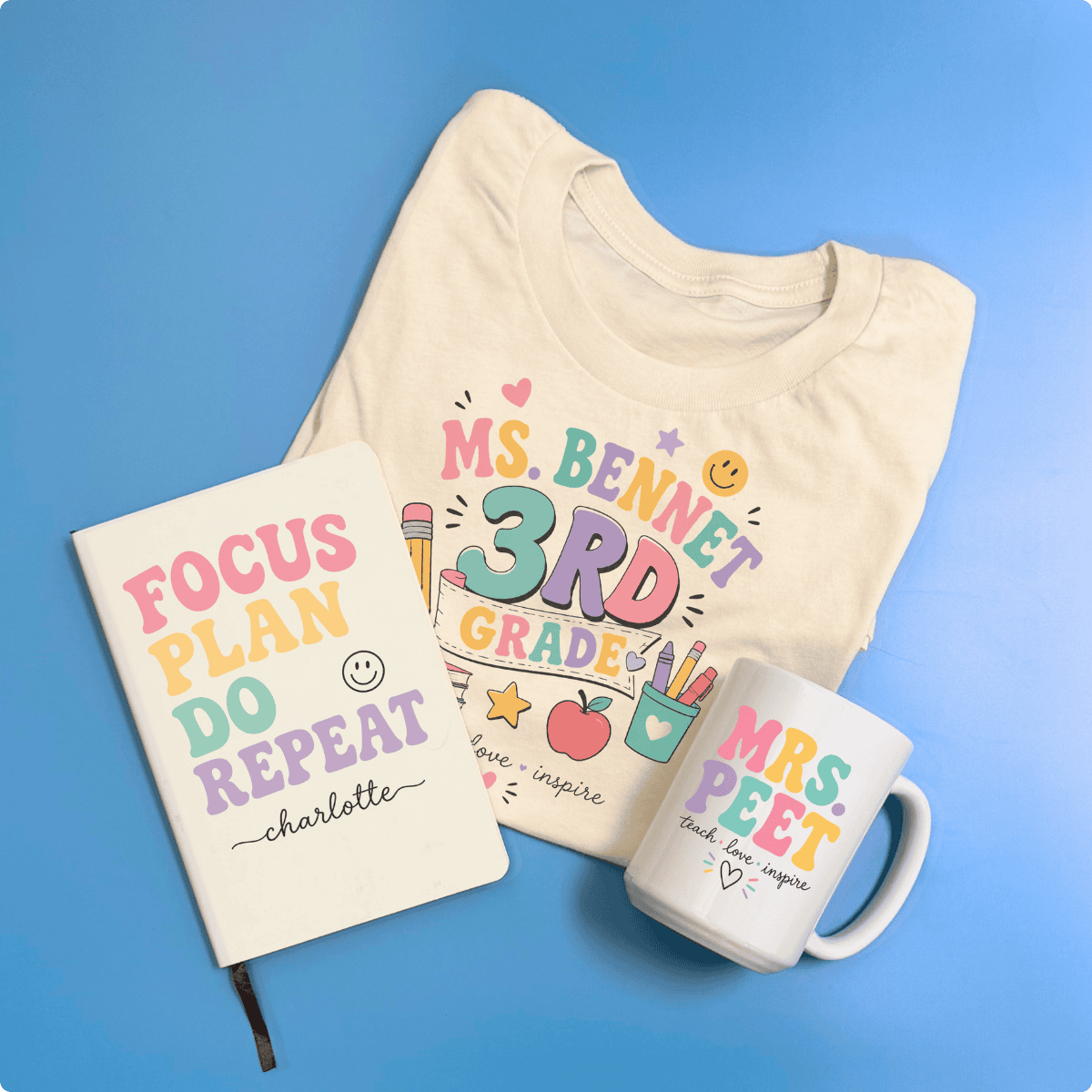
| | | | Teachers and Back-to-School |
|
|
|
| | | Start with a grade-level team order. Post the finished shirts, tag the school. Word travels fast in a teacher’s lounge. |
|
|
|
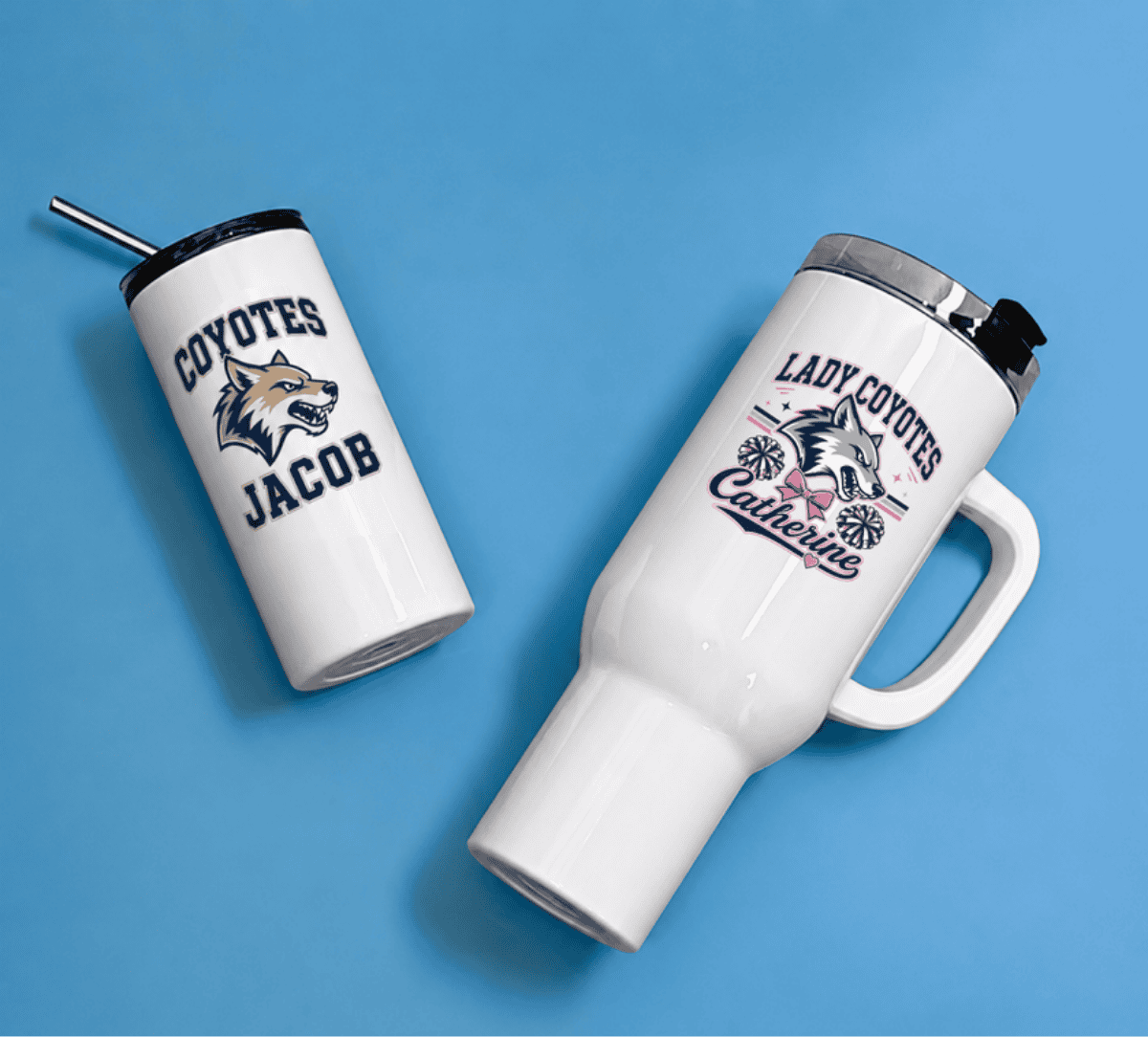
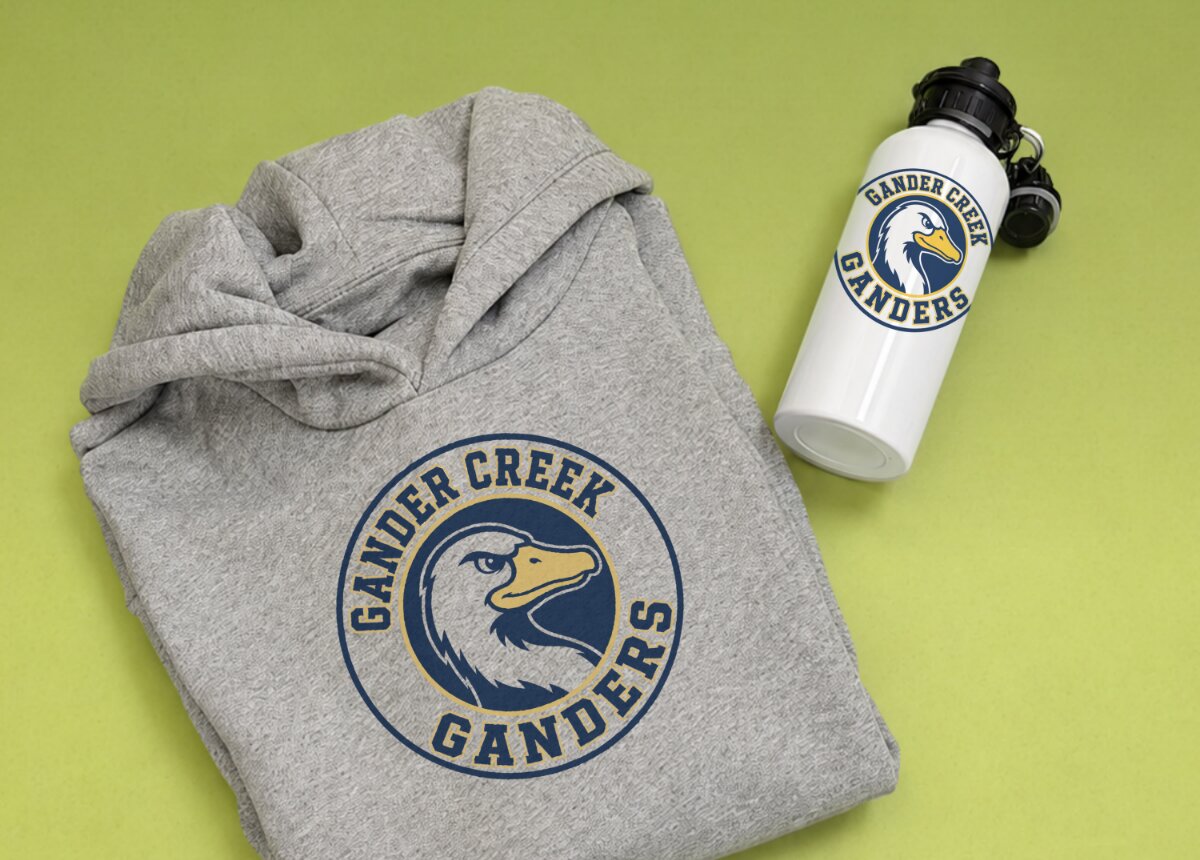
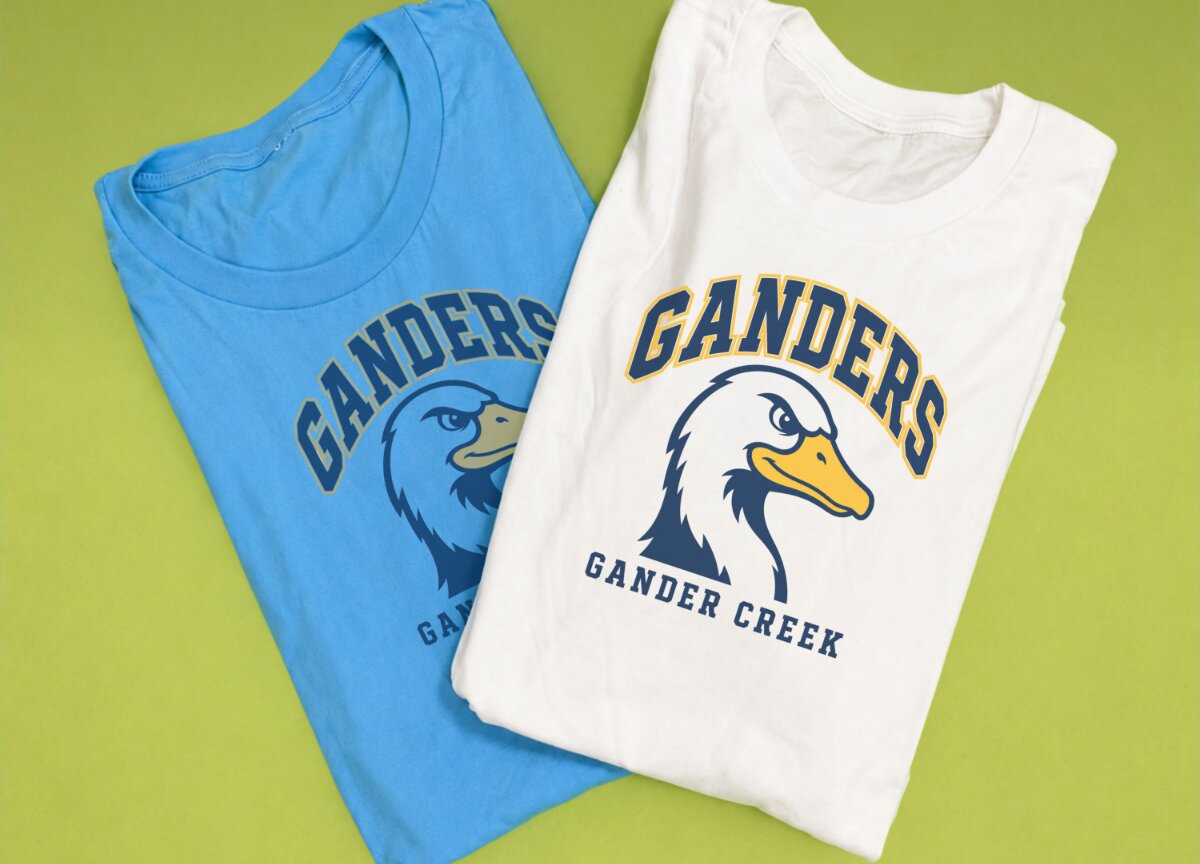
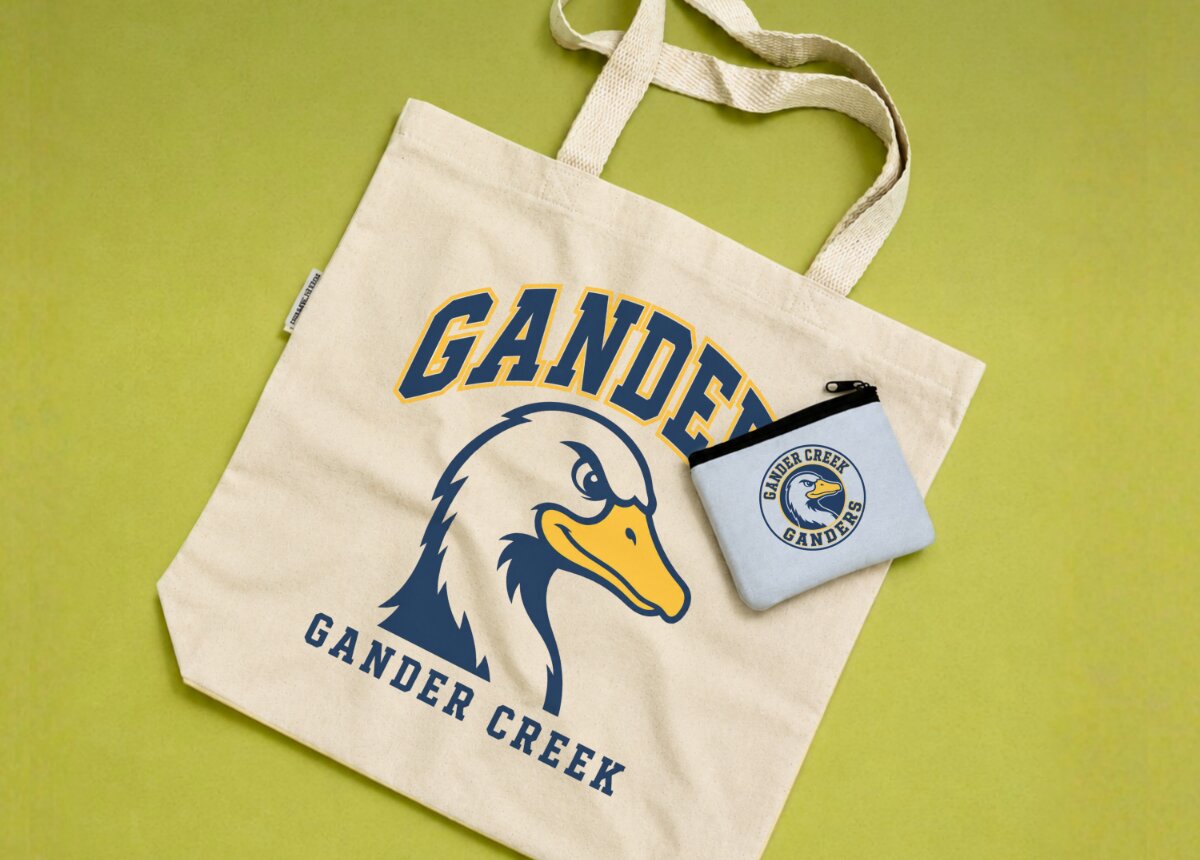
| | | Products to Start: Cotton Tees, Custom Tumbler, Subject Tote & More. | | Teachers buy for themselves, then tell every colleague on their hall. One sale in a school building becomes five without you doing anything. The back-to-school window is predictable every summer, and teacher appreciation plus holiday gifts extend the cycle well into the year. |
|
|
|
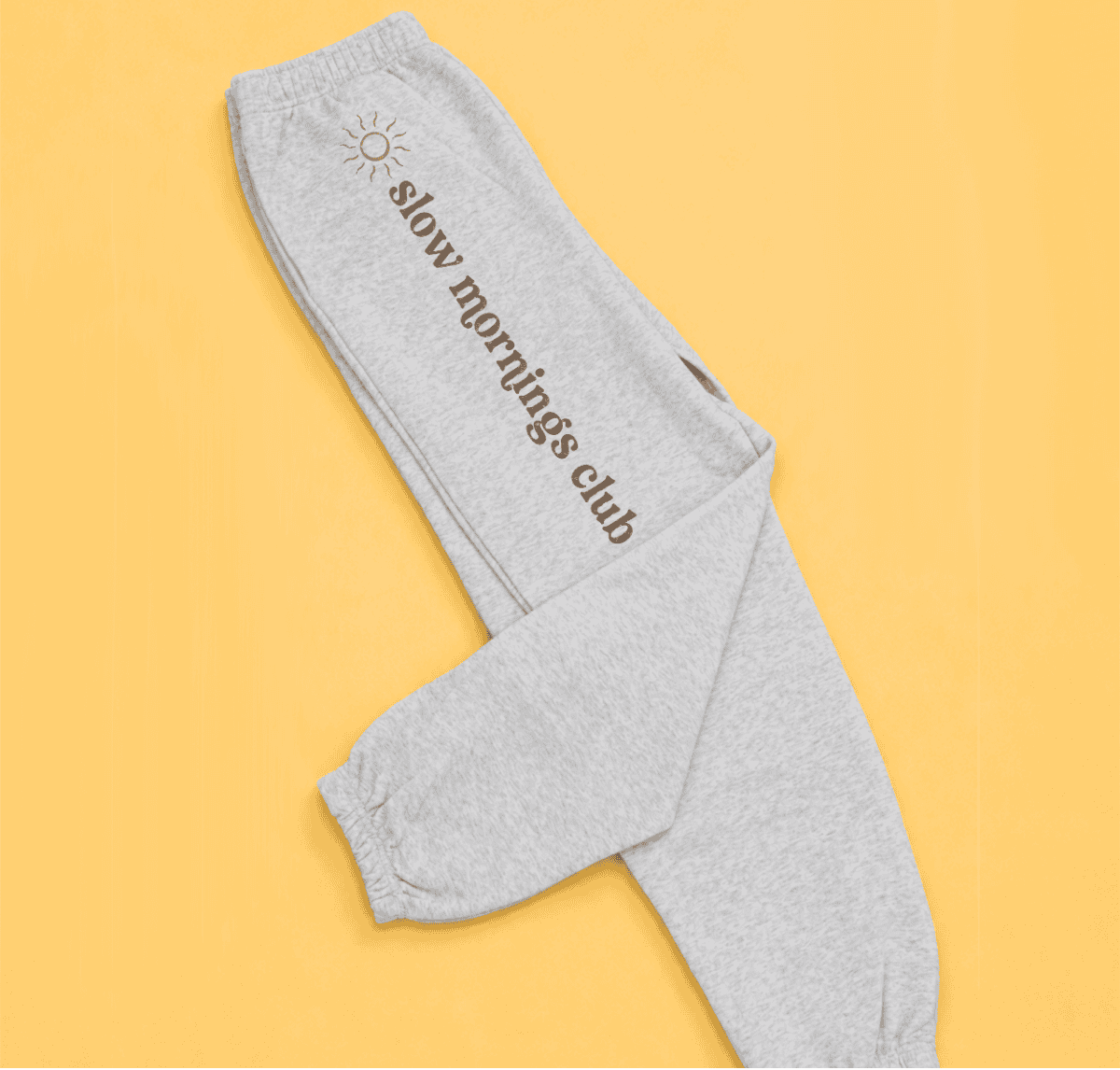
| | Start with a signature name tee on cotton. VersiFlex prints directly onto cotton fabric with no cutting, no weeding, no transfer film. Add a sublimated tumbler with the teacher’s name or classroom number and you have a two-product bundle most teachers will grab without thinking twice. |
|
|
|
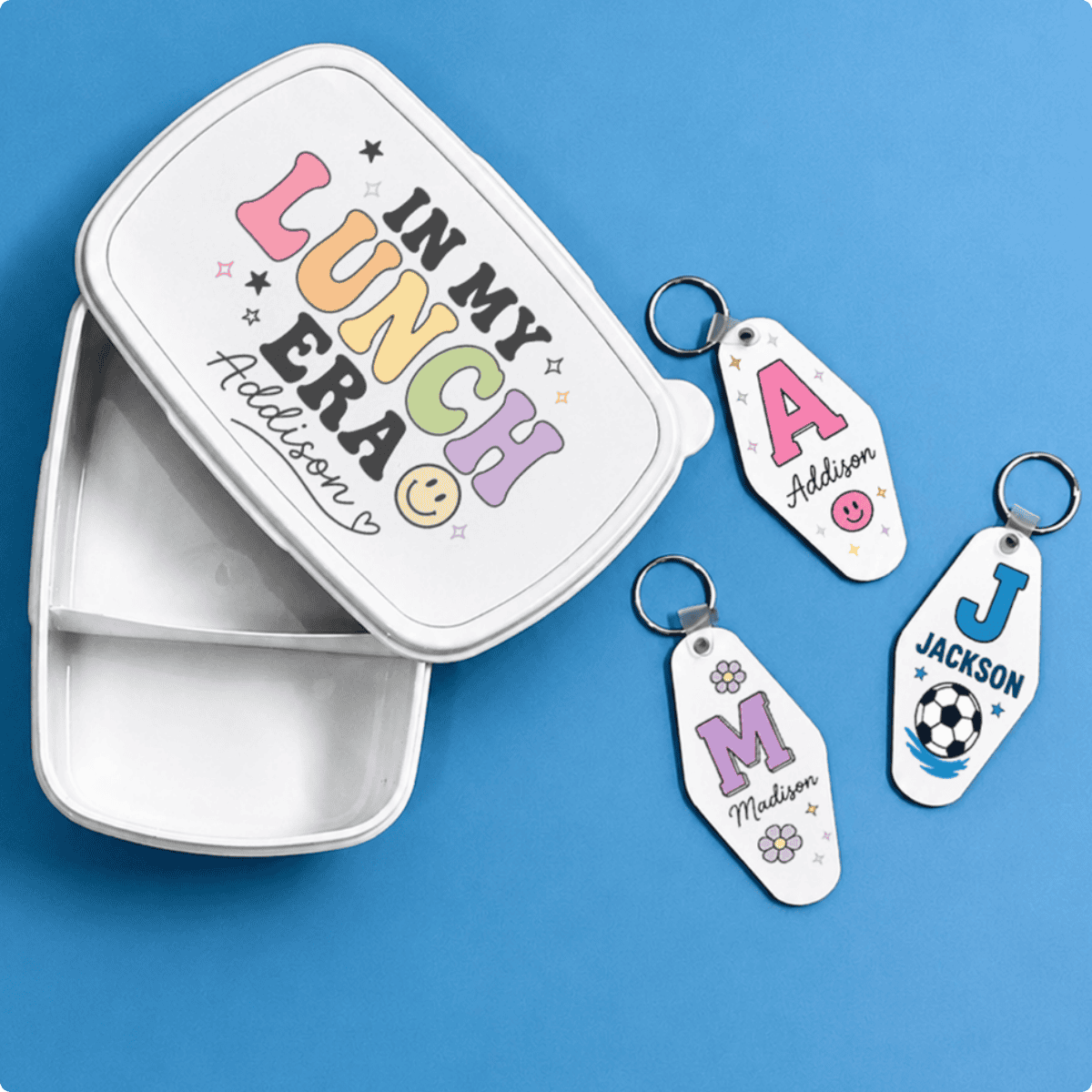
| | | | | | Youth Sports, Camps and Rec Leagues |
|
|
|
| | | Land one coach and you have a reorder every spring. That is the whole model. |
|
|
|
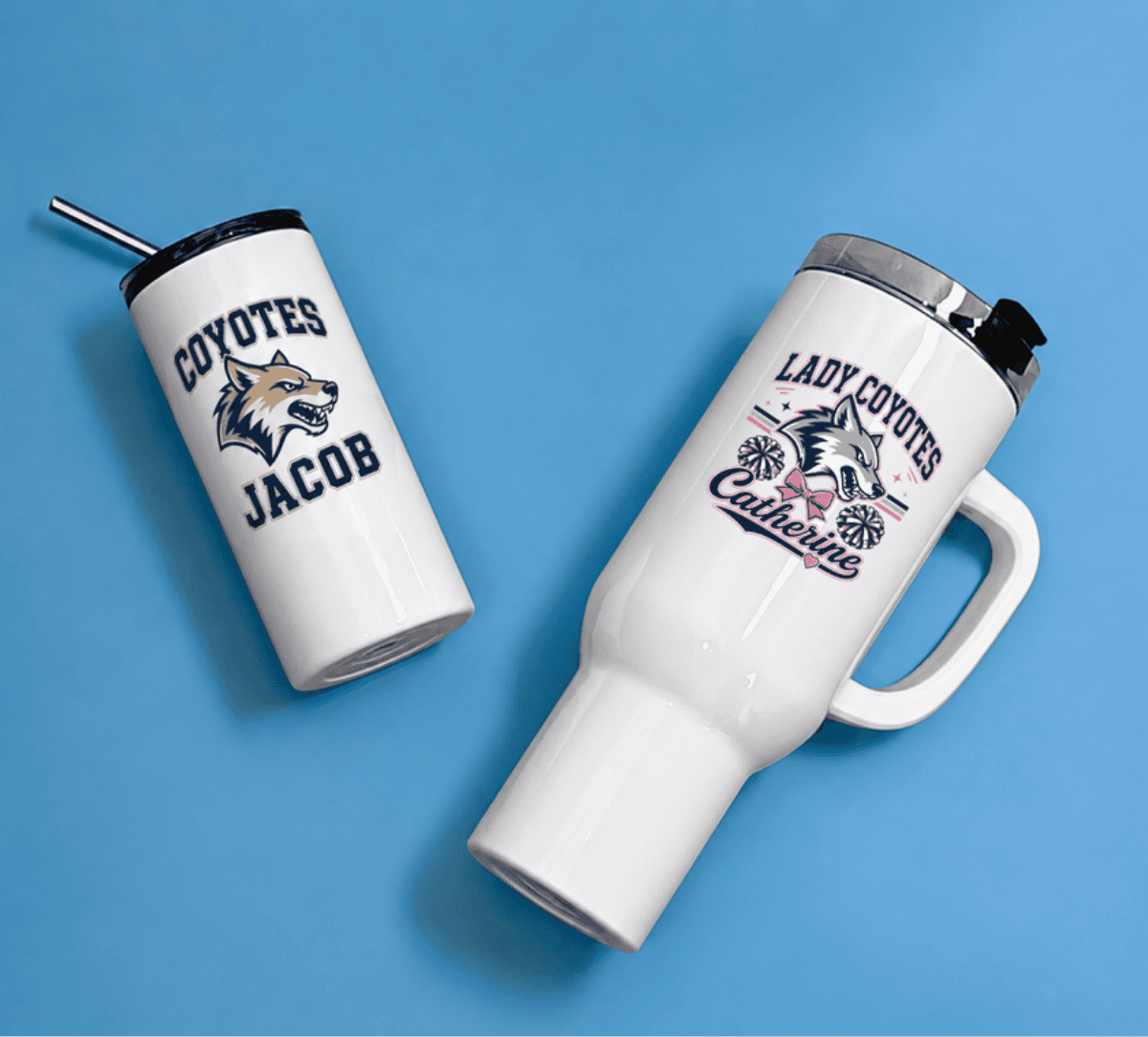
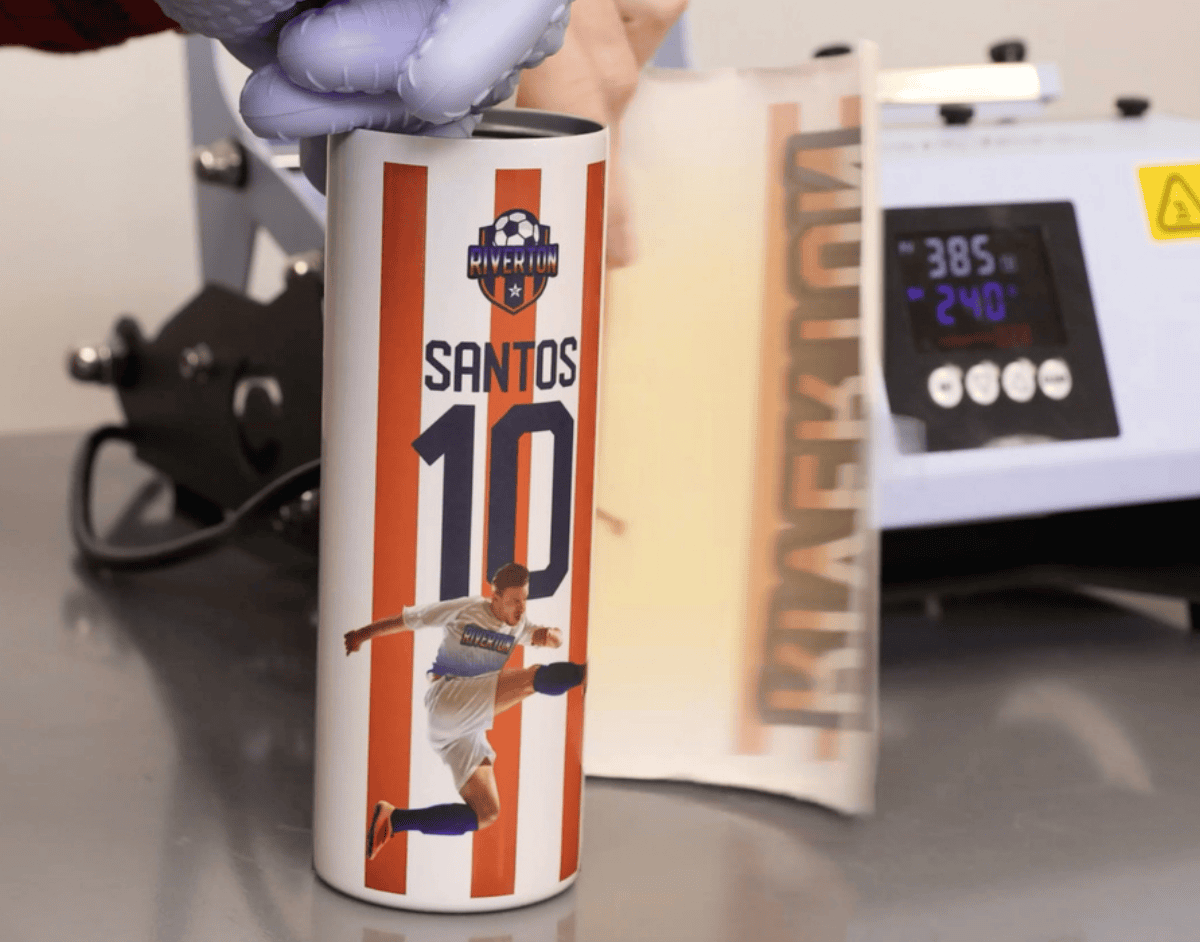
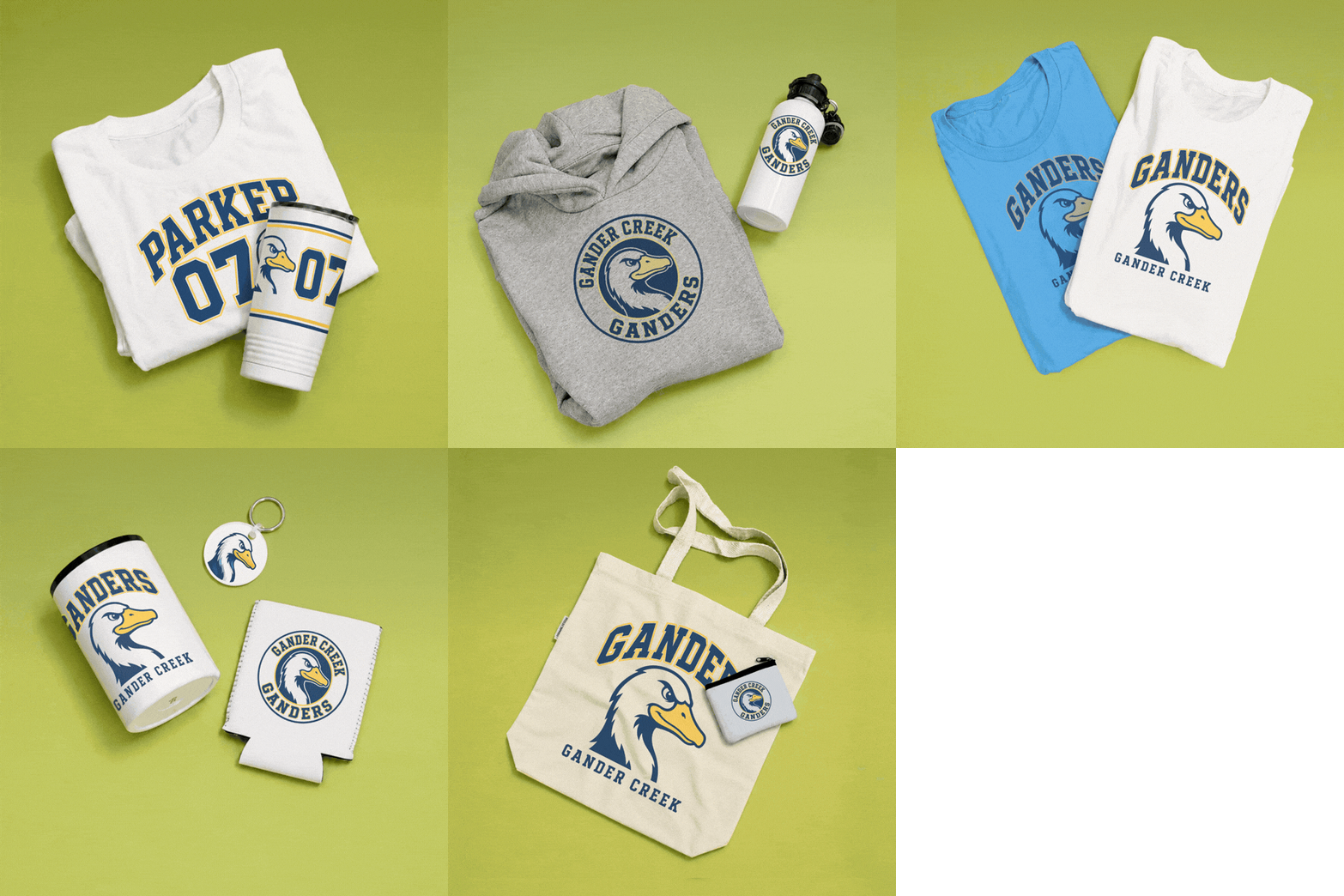
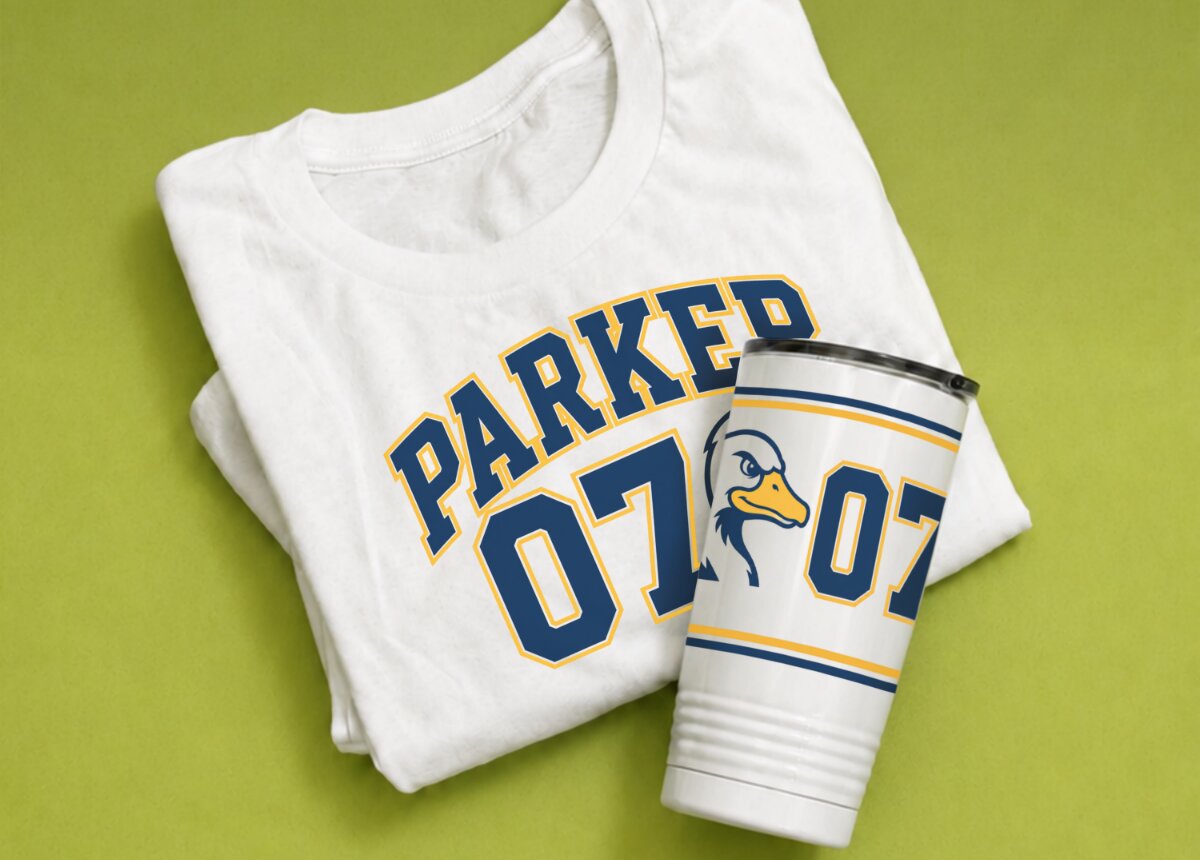
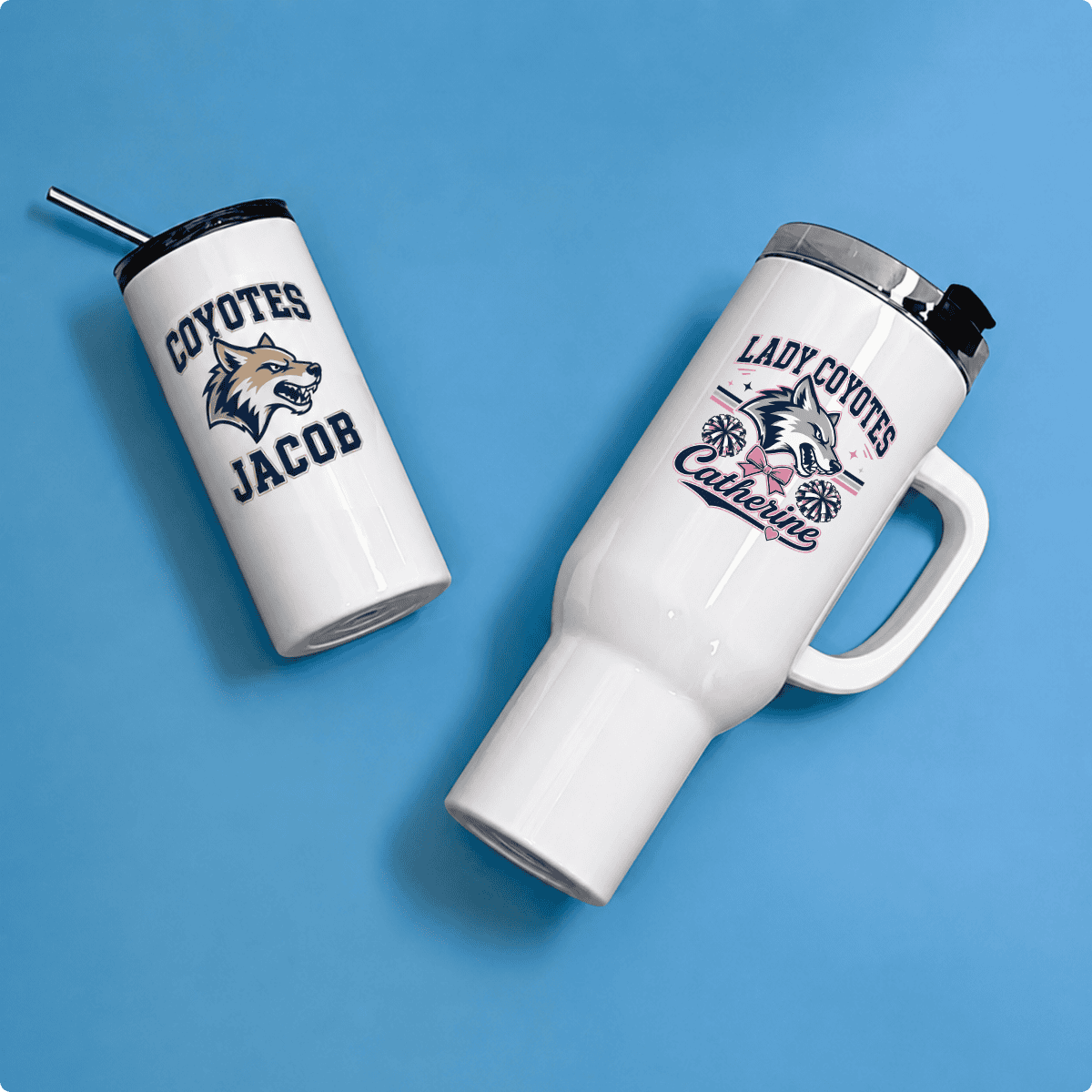
| | | Products: Cotton Tee, Parent Fan Shirts, Drawstring Bags, Sublimated Water Bottles. | | A roster tee on cotton is the entry point, with names, numbers, team logo, all printed with VersiFlex. No cutting around player numbers, no weeding between letters. If you are still weighing decoration methods, the comparisons are worth a read: VersiFlex vs HTV, VersiFlex vs DTF and VersiFlex vs white toner. From there, parent fan shirts and sublimated water bottles add up fast with different buyers, same conversation. |
|
|
|
| | Did You Know: VersiFlex can sublimate on cotton AND traditional substrates |
|
|
|
| | | | | | Family Reunions and Group Trips |
|
|
|
| | | Reunion planners live in Facebook groups and share everything. One good photo travels further than any paid ad. |
|
|
|
| | | Products: Reunion Cotton Tees, Sublimated Koozies, Organizer Tote. | | A “[Family Name] Reunion 2026” tee on cotton is the natural anchor. VersiFlex handles the full size run from toddler through 3XL without any additional setup. Offer the organizer a sublimated koozie as a party favor option and a tote for themselves. Show them the full package and most will take all three. |
|
|
|
| | | | | | Lake and Outdoor Recreation |
|
|
|
| | | Most custom product sellers are not actively targeting this crowd, which means there is room. |
|
|
|
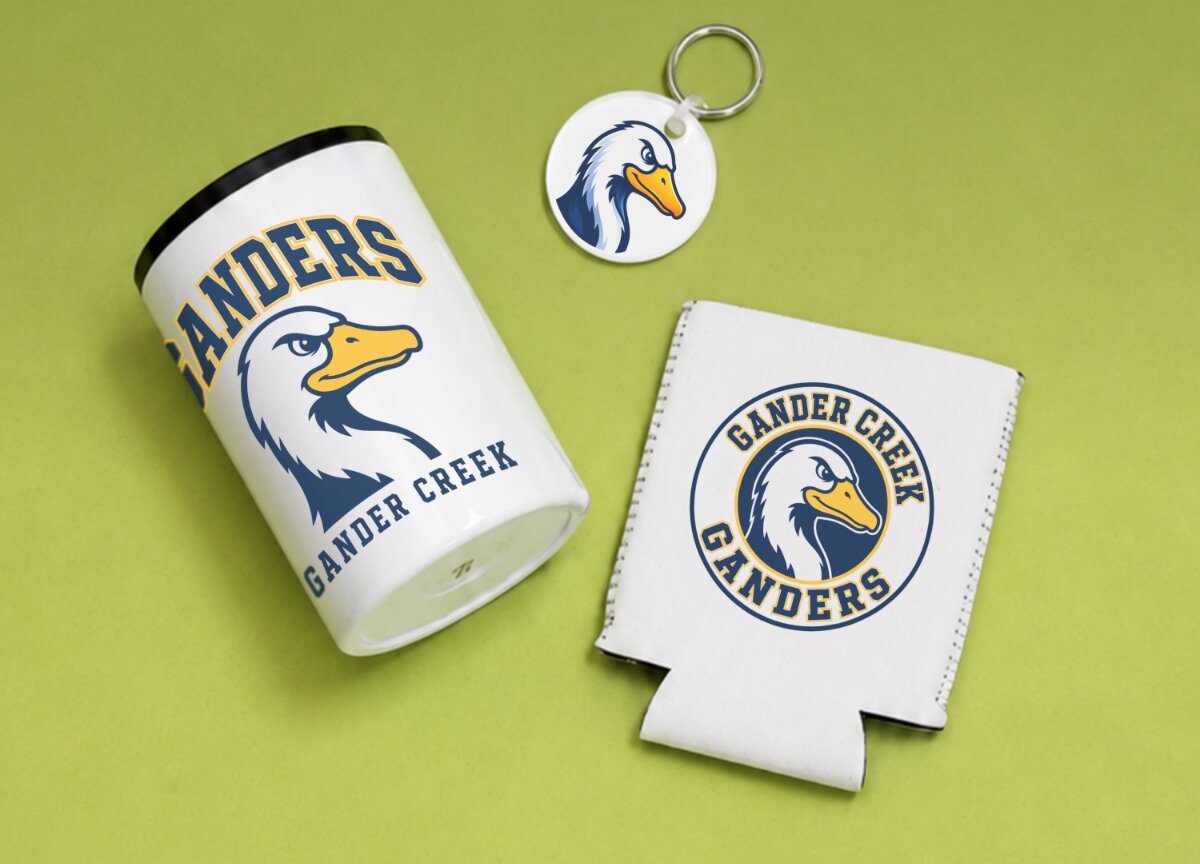
| | | Products: Custom Can Cooler, Custom Cabin Slides, Sublimated Koozies, Cotton Tee. | | | Drinkware that gets tossed in a cooler, left on a dock needs ink that actually holds. |
|
|
|
| | Build the offer as a drinkware set: tumblers and koozies branded with the lake name, cabin name or GPS coordinates. Add a cotton crew tee with VersiFlex for the group. One thing worth knowing about this audience: specificity is the product. “Lake Murray Since 2003” outsells a generic lake design every time. Ask for the details. |
|
|
|
| | | | | | Pet owners buy for themselves, buy as gifts and buy again when something wears out or a friend gets a new dog. |
|
|
|
| | | Products: Pet Portrait Drinkware, Breed Tee on Cotton, Holiday Keepsake and more. | | Sublimation is uniquely good at pet portrait work. It captures fur texture and coat color the way a photograph does, because the process is closer to photo printing than anything else in this industry. A well-executed portrait on a mug or tumbler is something a pet owner keeps. Pair it with a breed-specific tee on cotton using VersiFlex and a custom bandana and you have a full gift set most buyers will not split up. |
|
|
|
| | One Printer. Five Product Lines. |
|
|
|
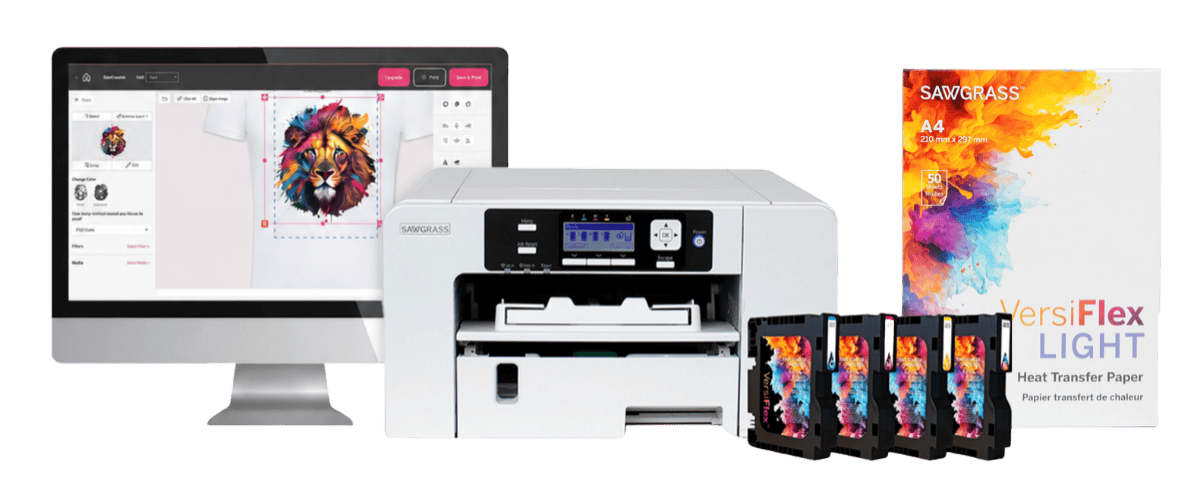
| | VersiFlex covers every cotton product in this guide with no cut-and-weed setup. Sublimation covers drinkware and hard goods with photographic color accuracy. You do not need separate machines. |
|
|
|
| | | Pick the niche you are already connected to. Build one product. Sell it to ten people you know. That is the whole starting point. |
|
|
|
| | | | | | Want to Learn More? | | Explore Sawgrass printers, inks and the VersiFlex system built for creators who want to print on cotton without the mess. | | | | | |
|
| | |
|
The Sawgrass Journey
From a Better Ink to a Complete Decorating Ecosystem
The Story Behind the Brand, and a Few Things You Might Not Know
Every big idea starts somewhere small. For Sawgrass, it started with a single question. How do you make a sublimation ink that performs better?
More than 35 years later, that question has grown into a complete digital decoration ecosystem trusted by creators in over 115 countries. Whether you have run a Sawgrass printer for years or you are just discovering sublimation, here is the story behind it, with a few things you might not know along the way.
The Sawgrass Roadmap
200K+
Creators & Businesses
01
The FoundationDid You Know?
It Started With Ink
Sawgrass began with sublimation ink chemistry, the part most people never see.
Great color starts in the lab. Sawgrass formulates ink to bond into the material, not just sit on top of it.
02
The StandardDid You Know?
Refining Sublijet UHD Ink
Decades of development produced ink built to flow smoothly and hold color for years.
More than 30 years of research go into ink that resists clogging and stays vibrant wash after wash.
03
The IntegrationDid You Know?
The First Integrated Sublimation Printer
The Sawgrass printer line arrived, with the SG500 and SG1000 built specifically for the job.
These are not converted office printers. They are engineered from the ground up for sublimation.
04
The WorkflowDid You Know?
A Connected Software Suite
Sawgrass Print Utility and MySawgrass tied design, color and printing into one flow.
Color profiles and print settings are handled for you, so your results stay repeatable.
05
The BreakthroughDid You Know?
VersiFlex: Sublimation on Cotton
A patented system that opened sublimation up to cotton, with no weeding and no powder.
One award-winning system handles cotton, soft goods and hard goods alike, all from a single desktop.
06
TodayDid You Know?
200,000+ Creators in 115+ Countries
A complete decorating ecosystem, headquartered in Charleston with operations in Sheffield, England.
Printers, inks and software are all designed and developed in-house, by one team.
It Started With Ink
Did You Know?
Sawgrass spent more than 30 years perfecting its sublimation ink.
Long before there were printers, there was the ink. Sawgrass started with the chemistry of sublimation itself, and spent more than 30 years getting it right.
Sublijet UHD ink is engineered to flow smoothly through the print head, resist clogging and hold vibrant color for years. It is patented ink technology, and that engineering is the difference between a print that lasts and one that lets you down.
Get the ink right and everything downstream gets easier.
From Ink to a Complete System
Did You Know?
Sawgrass printers are built from the ground up for sublimation, not converted from general-purpose printers.
Great ink needed great hardware to match. So Sawgrass built it. The Sawgrass printer line became the industry’s first fully integrated desktop solution designed specifically for sublimation. The SG500 and SG1000 are purpose-built from the ground up, not adapted from general-purpose hardware.
Then came the software. Sawgrass Print Utility and MySawgrass connected design, printing and production into one smooth workflow. Piece by piece, a printer company became a complete decorating ecosystem. Every part is designed and developed in-house, so it all works together right out of the box. And the technology behind it is patented, from the ink to the VersiFlex system to the ecosystem that connects them.
The Breakthrough: VersiFlex
Did You Know?
VersiFlex lets you sublimate on cotton with no weeding and no powder.
For years, one material stayed just out of reach. Cotton. Traditional sublimation loved polyester and coated hard goods, but natural fabrics meant extra steps. VersiFlex changed that.
It is the only patented decorating system in the world that lets you sublimate on cotton and sublimation blanks at the same time, with no weeding and no powder. It earned the 2026 III Award for Best New Heat Press Decoration Technology. Soft goods, hard goods, cotton and classic blanks all run through one compact desktop system.
What began as a question about ink became a new way to decorate almost anything.
Why the Integrated Path Matters
Did You Know?
Every Sawgrass printer comes with a 3-year warranty.
Every step on this journey had the same goal. Make the work simpler. In digital decoration, consistency is everything. One weak link can undo your work. Incompatible ink, poorly calibrated software or unreliable hardware can wreck product quality and break customer trust.
An integrated system removes those variables. Sawgrass technology is designed to work right out of the box, so you spend less time on setup and more time creating, selling and growing. For entrepreneurs and small shops, that is the difference between turning a job away and saying yes. And every Sawgrass printer is backed by a 3-year warranty, because the gear is built to last.
The Road Ahead
The roadmap does not stop at today. The market wants more material versatility with less complexity. One compact system that handles cotton, hard goods, specialty materials and traditional blanks, without swapping equipment or adding chemical pre-treatment steps. VersiFlex already points the way.
The next frontier is smarter software. Think better color management across substrate types, more automated production workflows and tighter e-commerce integration. The goal is simple. Go from online order to finished product with as few touch points as possible. As demand for personalized, on-demand products keeps climbing, Sawgrass is focused on helping creators reach new product categories and grow.
From a single idea about better ink to a complete decorating ecosystem, this journey was built with the creators who work alongside us every day. There is a lot of road left, and we are glad you are on it. Thank you for being part of the story.
– The Sawgrass Team
Be Part of What Comes Next
Explore the VersiFlex decorating system and the inks behind the journey.
Explore VersiFlex | FESPA Barcelona 2026
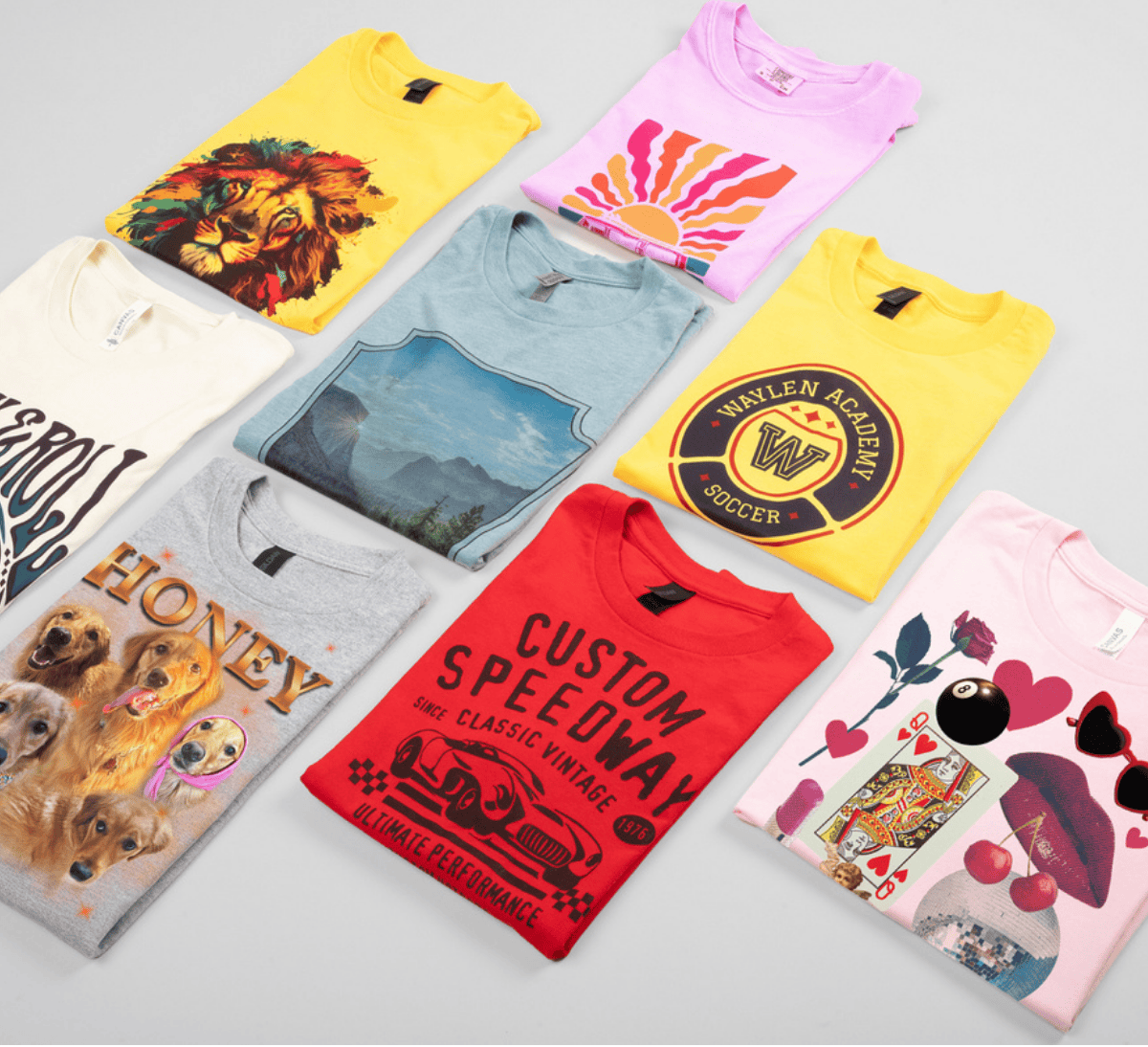
| | The Sawgrass booth at FESPA Global Print Expo 2026
|
|
|
|
| Sawgrass brought VersiFlex to FESPA Global Print Expo 2026, and for four days we watched people lean over the press to see something they did not think was possible. Cotton, sublimated in full color. No weeding. No powder.
|
|
|
|
| | Sublimating On Cotton Stole the Show
|
|
|
|
| | Live photos of the wow factor of VersiFlex at FESPA 2026
|
|
|
|
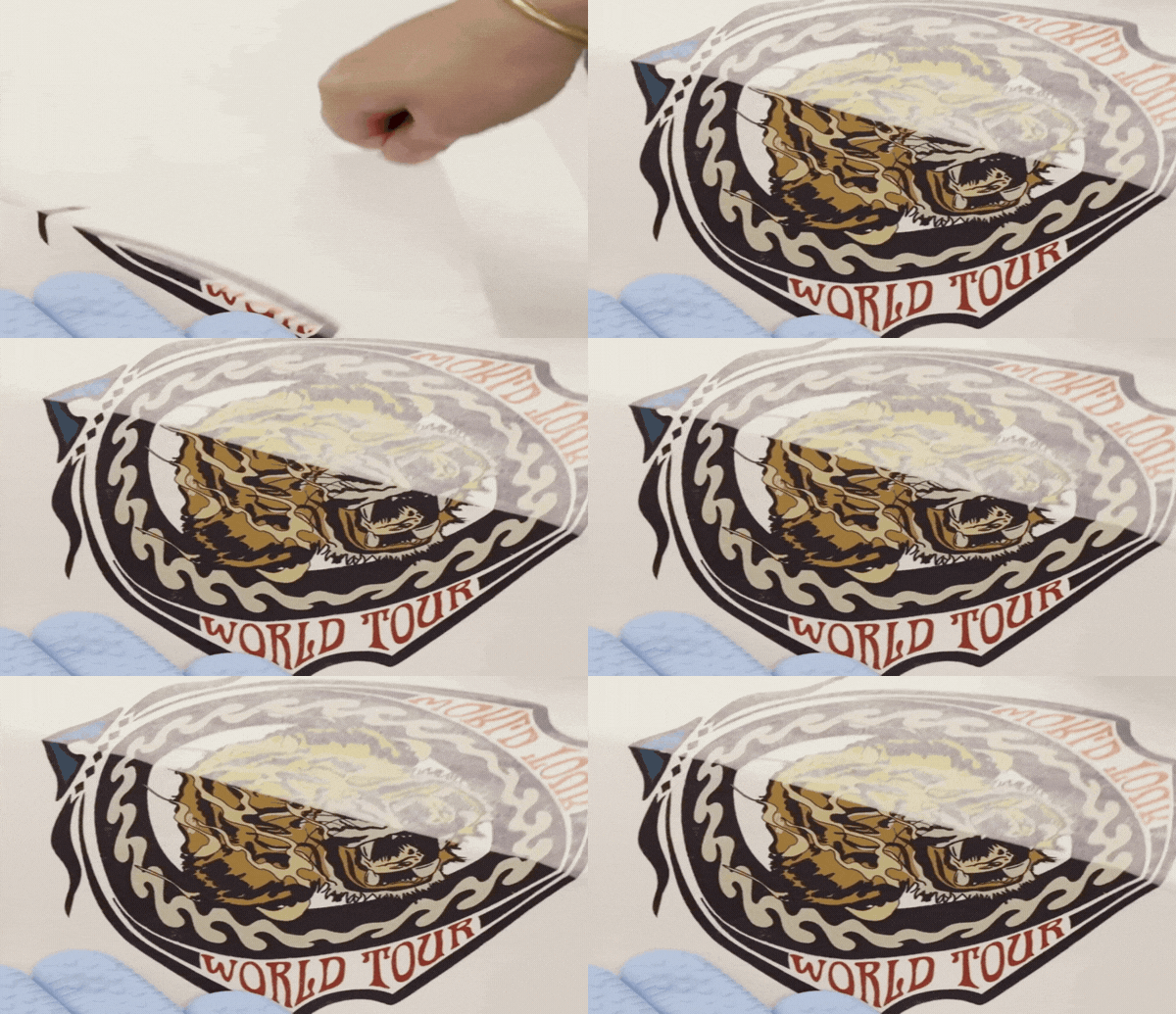
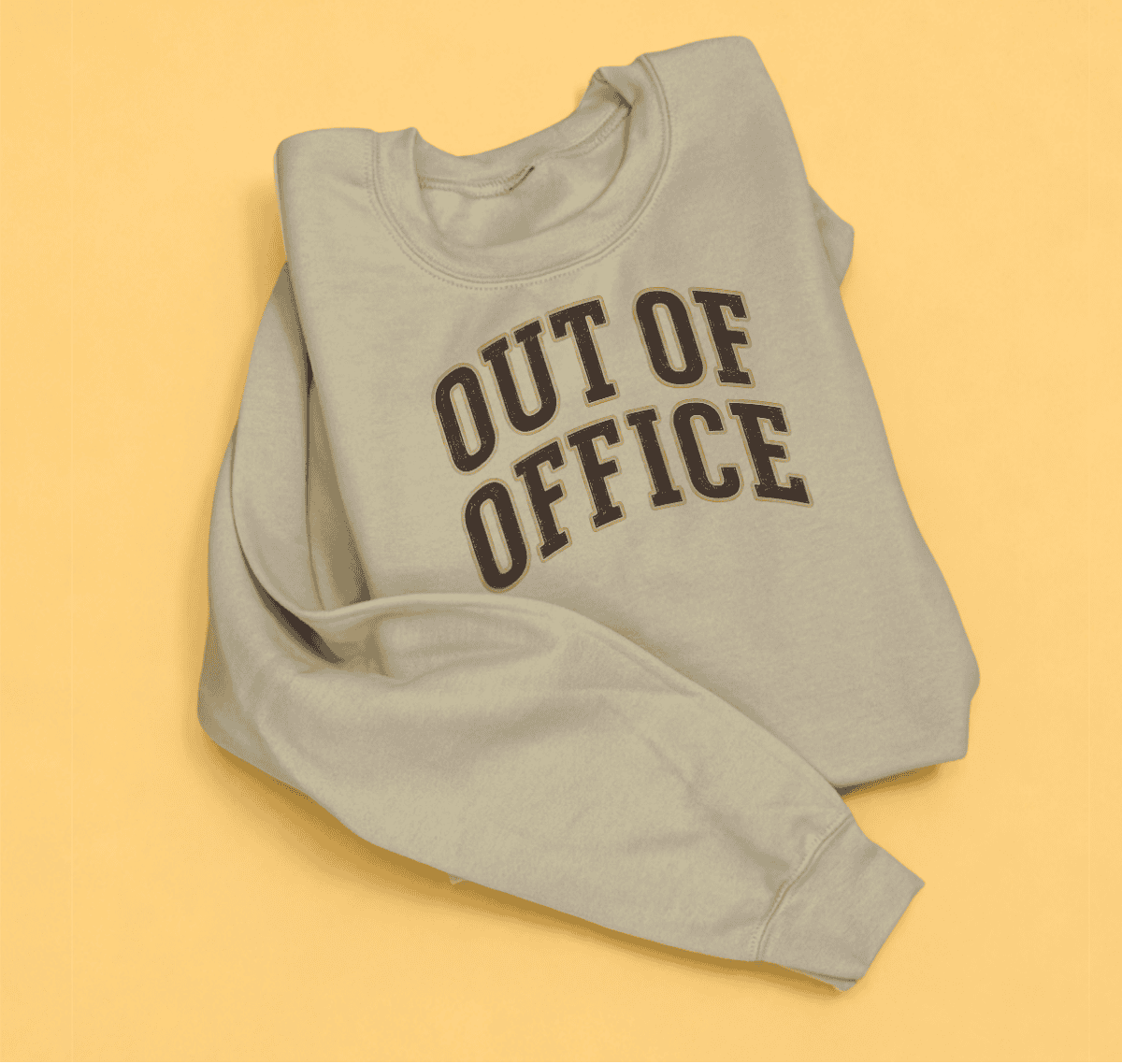
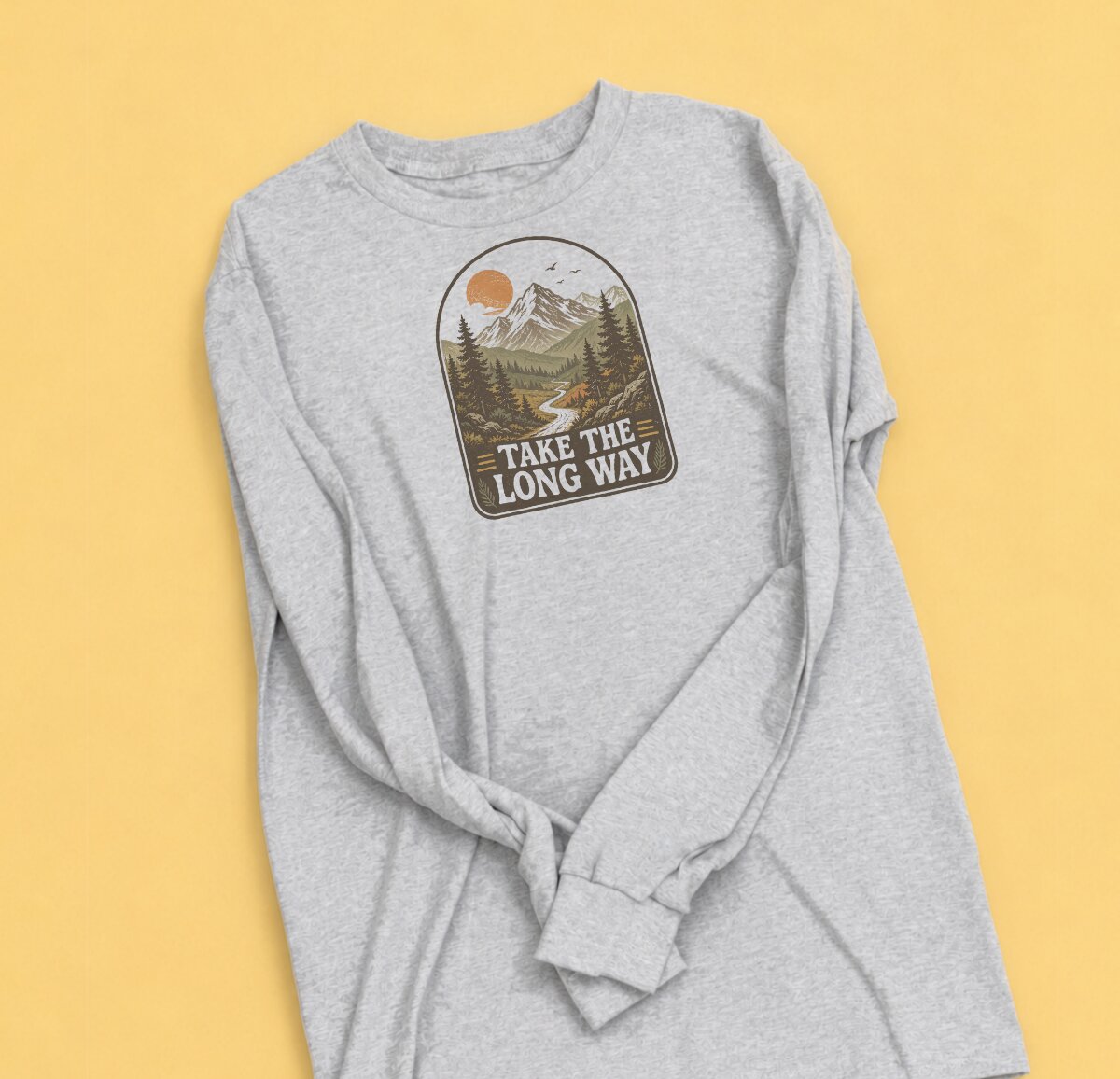
| Here is the thing about cotton. For years it meant heat transfer vinyl, weeding tiny letters by hand, or fussing with powders and extra steps. VersiFlex skips all of that. You print. You press. The color settles into the fabric like it belongs there.
Once people experienced VersiFlex on a soft cotton tee or tote bag the wow factor was made even better in learning it is all done with a single desktop system.
|
|
|
|
| | The question we kept hearing was not “does it work.” It was “how soon can I get one.”
|
|
|
|
| One System, Less Complexity
|
|
|
|
| Talk to anyone running a print shop and you hear the same frustration. One machine for shirts. Another for hard goods. A different process for every material. It adds cost, wasted time and extra steps, ultimately slowing down the everyday workflow.
VersiFlex was built to end that juggling act. Soft goods, hard goods, cotton and classic sublimation blanks all in one compact system that fits on a desk. For a solo maker or a print shop, that is the difference between turning a job away and saying yes. VersiFlex showed attendees that Sawgrass has raised the bar for sublimation yet again.
|
|
|
|
| | Photos provided by attendees at FESPA. Each sublimated on cotton shirts and tote bags using VersiFlex.
|
|
|
|
| What’s The Next Stop For Sawgrass?
|
|
|
|
| If you are in North America, you do not need a passport to see VersiFlex in person. We will be at ISTELive 26 in Orlando from June 28 – July 1, running live demos and showcasing how VersiFlex can be a great way for our youth to start thinking like entrepreneurs. Can’t make it to Orlando? Explore our upcoming events and see VersiFlex in person.

|
|
|
|
| | | | Thank You to Our Partners
Some of the best moments happened away from the demos. Our partner event filled a room with the people who push this industry forward, and we loved every conversation. We are just getting started. We are grateful for your continued support as we keep empowering end users around the world.
| | Thank you for building this alongside us! – Sawgrass Technologies
|
|
|
|
| See What VersiFlex Made Possible Explore the system and the inks behind the show.
| |
|
|
|
| | | | | | |
|
| | |
|
| Print Smarter, Faster, and With More Control
| | | The sublimation printer software built to take friction out of your workflow, from setup to final print.
|
|
|
|
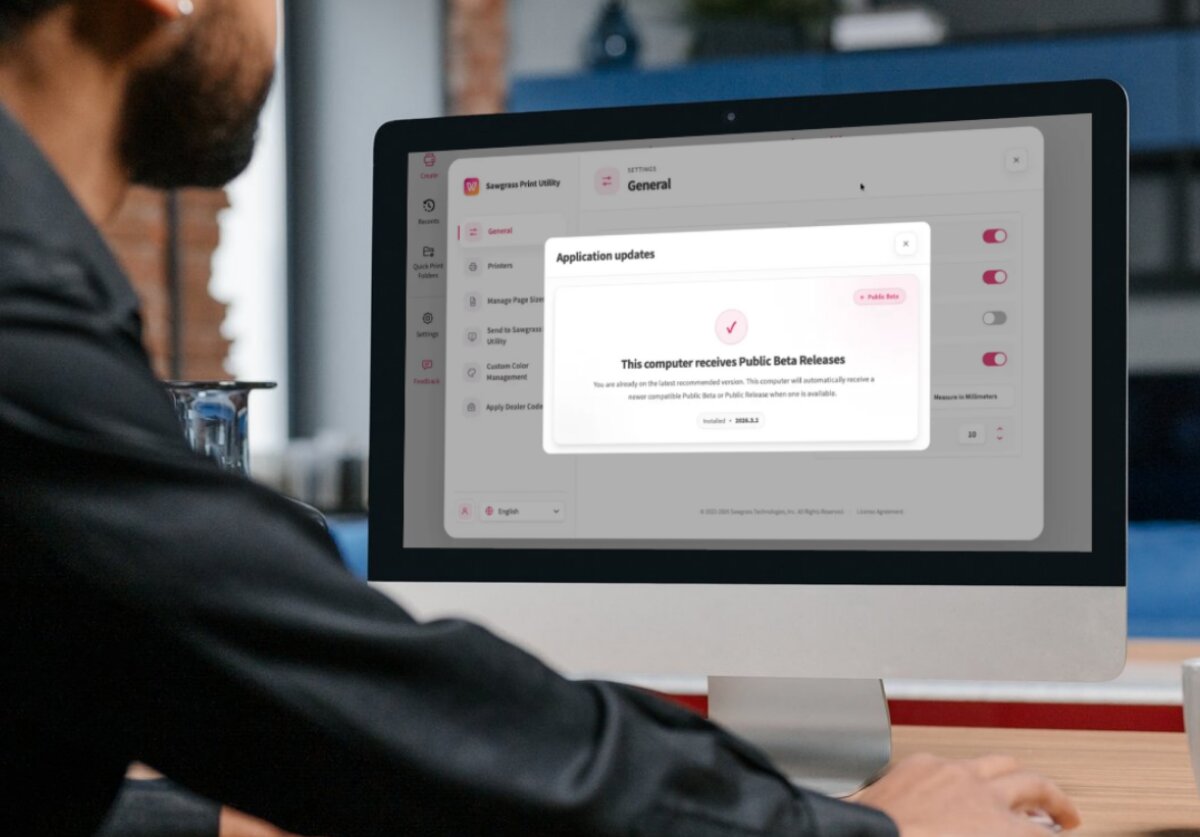
| | Sawgrass Print Utility (SPU) simplifies setup, streamlines preparation, and delivers reliable output every time you hit print. Here is a closer look at what makes Sawgrass Print Utility one of the most powerful sublimation design software platforms available to creators today.
|
|
|
|
| | | | Smart Print Settings: Remove the Guesswork
|
|
|
|
| | The result is a faster, more responsive print experience with lower system load and higher confidence in what lands on your substrate.
|
|
|
|
| Choosing the right print settings for consistent, high-quality results is one of the trickier parts of sublimation printing. Smart Print Settings take that off your plate.
Smart Print Settings are presets that automatically apply the recommended configuration based on your product and material. With a single selection, Sawgrass Print Utility sets print quality, color handling, and mirroring for you.
|
|
|
|
| “Reliable, high-quality output with less manual setup. Smart Print Settings help you reduce errors, save time, and print with confidence.”
– Pavlo, Software Engineer at Sawgrass
|
|
|
|
| This works across both the Sublijet System and the VersiFlex System, giving you a consistent starting point for every job regardless of which Sawgrass system you are running.
You still have full control when you need it. Printing on a glass cutting board and want to turn mirroring off for reverse-side application? Easy adjustment. The presets are your reliable starting point, not a lock-in.
|
|
|
|
| | | | Print Preview: Confirm Every Job at a Glance
|
|
|
|
| | Catch issues before they become wasted prints and products. Reduce errors, save time, and move every job to press with confidence.
|
|
|
|
| | | | | | The updated print preview in Sawgrass Print Utility (SPU) gives you more visibility and control while keeping the interface clean and familiar. Watch how to use Print Preview in SPU to see it in action.
All in one screen, you can check layout, positioning, page selection, and press settings. The preview ruler shows you exact page size so you can confirm paper dimensions and design placement. Cursor position tracking shows you precisely where elements sit on the page.
|
|
|
|
| “You can check key details at glance and move to print with confidence. Print preview helps you reduce errors, save time, and stay in control of your output.”
– Pavlo, Software Engineer at Sawgrass
|
|
|
|
| Running a multi-page job? Page thumbnails let you scroll through the full set and select which pages to print or skip. Suggested press settings appear at the bottom of the preview with recommended configurations for your chosen product.
Need a different view? The settings menu lets you show or hide elements and adjust measurement units to suit how you work. Click the settings icon in the top right corner to customize.
|
|
|
|
| | | Custom Colors: Make Once, Reuse Everywhere
|
|
|
|
| | Custom Colors in Sawgrass Print Utility lets you create, save, and manage color settings without opening a new print tab every time. It is a faster, more efficient way to fine-tune color output and keep results consistent from job to job.
|
|
|
|
| | Open Custom Color Management In Three Steps
|
|
|
|
| | | Go to Settings, then Custom Color Management.
|
|
|
|
| | | | Work from the default preview image, or load your own image to make adjustments against real artwork.
|
|
|
|
| | | | Save multiple adjustments and reuse existing ones as a starting point for new variations, so you are never building from scratch.
|
|
|
|
| | “The result is simple. You can fine-tune your color, save your preferred settings, and reuse them wherever you need them.” – Pavlo, Software Engineer at Sawgrass
|
|
|
|
| Once saved, your custom color adjustments are available across all Sawgrass Print Utility workflows. Use them when printing directly from a print tab, from a Quick Print folder, or through the Send to Sawgrass Print Utility virtual printer.
| Getting the right color often means making small adjustments. Saving those adjustments should not slow you down. Watch how to use Custom Colors in SPU to see how easy it is to manage.
|
|
|
|
| | | | Why It Matters For Your Business
|
|
|
|
| Every feature in Sawgrass Print Utility ladders up to the same goal: removing friction from your print process so you can focus on what actually grows your custom products business. consistency and repeatability are everything.
| Faster file processing. Smoother previews. Smarter presets. Reliable color. Lower system load. Sawgrass Print Utility is continuously evolving with ongoing improvements to performance, usability, and output quality, and this latest release delivers across every one of those fronts.
| It works seamlessly with the rest of the Sawgrass ecosystem too, including MySawgrass, our design platform with ready-to-use templates and resources to help you create faster.
| If you are already running a Sawgrass system, Sawgrass Print Utility is ready to make your day easier. If you are evaluating sublimation printing as a path for your business, Sawgrass Print Utility is one of the reasons Sawgrass customers print with confidence at every scale.
|
|
|
|
| | Check out our YouTube to become a Sawgrass Print Utility expert today!
| | | | | | | |
|
| | |
|
A strong Sawgrass Print Utility workflow helps you print faster, stay organized, and repeat successful jobs with confidence. Here we will cover best practices for organizing, importing, and reusing files in two key platforms:
- Sawgrass Print Utility (desktop app): your production control center
- My Sawgrass Design Tool (web-based): your design, templates, and file library
If you are comparing Sawgrass with maker printers like Epson, this is one of the biggest differences in day-to-day business use. Sawgrass is built around repeatable decoration workflows, so you spend less time rebuilding settings and more time producing sellable results.
Sawgrass Print Utility workflow tips that save time
Ultimately, your Sawgrass Print Utility workflow supports different production styles because everyone prints differently. The goal is simple: get files into production quickly with the right settings every time.
Use Create and Add File for ready-to-print art
Specifically, this is the simplest method when your art is already sized and print-ready:
- Click Create
- Click Add File
- Select one or multiple files to bring into a tab
Pro tip: Import multiple files at once. If they fit on the same sheet, arrange them together to conserve paper and ink. Think of each tab as one production job.
Best for: exported PNGs or finalized files from Illustrator, CorelDRAW, or other design software.
Why file naming matters
Print Utility displays your file name. In fact, generic names like “final” or “3” slow you down when you are busy.
Instead, use a consistent naming structure such as:
- Customer or project name
- Product type
- Quantity
- Date (optional)
Example: Smith_Family_15ozMug_2pcs_2026-01-05
Treat tabs like jobs and keep settings consistent
Remember: everything inside one tab should share the same core settings because the tab is one job.
For example, group items together when they match:
- Same product or substrate
- Same paper size
- Same color management needs
Example: If you are printing cotton shirts and some files are photo-heavy while others are simple graphics, separate tabs can help you keep output consistent.
Quick Print Folders for fast batch production
If you do repeat work or have multiple people running production, Quick Print Folders can be a major time saver.
Quick Print Folders let you:
- Create folders by product type or workflow
- Assign default settings per folder (substrate, paper size, mirror, printer, color management)
- Drop files in and open them with the right settings automatically
Smart folder setups:
- Ceramics 8.5×11
- Acrylic vivid
- 11×17 projects
- Uncoated wood tabloid
- Cotton photos
- Cotton graphics
Bonus controls: retention and automation
Additionally, quick Print Folders also help you control:
- Whether jobs are saved
- How often they delete
- Whether the folder is actively watching for files
Pause and Play tip: If you are not ready for files to open immediately, choose Pause. Files can sit in the folder until you hit Play.
Important: Anything added while a job tab is open will be added to that same job. If you want a fresh job, close the tab first.
Send to Sawgrass Print Utility for direct handoff from design programs
This method works like a virtual printer with preset settings.
Set it up in Print Utility:
- Choose substrate, paper size, and other settings
- Save the preset
Then in your design program:
- Go to File > Print
- Select Send to Sawgrass Print Utility
- Print
Your job opens in Print Utility with saved defaults applied.
Best for: teams that want a clean handoff from design to production without resetting options every time.
5) Use Recent Print Jobs to repeat best-sellers
If you repeat the same types of orders, Recents can save significant time.
When you reopen a recent job:
- Layout repeats, including multiples per page
- Settings repeat
- Production stays consistent
Note: Recents are stored locally on your computer and do not follow you to another machine.
My Sawgrass Design Tool organization tips
My Sawgrass Design Tool is web-based and ideal if you:
- Do not use another design program
- Want built-in templates so designs fit the correct size and shape
The most common confusion is where designs are stored. Here is the simple breakdown.
My Studio is what you saved
My Studio contains designs you created and clicked Save on.
From My Studio you can:
- Open in Designer to edit
- Manage post details
- Print and send to production
Important: Save overwrites the existing file. If you want a variation, use the Galleries approach below.
Galleries are your Save As system and your organization hub
Galleries help you:
- Create categories (mugs, ornaments, bags, notebooks, seasonal)
- Store reusable artwork
- Duplicate and repurpose designs without losing the original
Example workflow:
- Create an ornament design you love
- Place it onto a mug template
- Adjust it for the mug
- Save the new version into the correct gallery
Now you have:
- The original ornament design
- A new mug design based on the same artwork
Keep things searchable with naming conventions
Your naming system should match how you use the tool.
If you sell designs:
- Use searchable product-based names Example: Friends_15ozMug_Snowflake_Winter
If you fulfill customer orders:
- Use production-friendly names Example: Garcia_Mug_15oz_1pc_2026-01-05
Goal: find the right file fast without opening multiple designs.
The biggest workflow wins to implement this week
If you want a quick start list, begin here:
- Create Quick Print Folders for your top products
- Separate tabs by product, paper size, and color management needs
- Standardize file naming across your business
- Use Send to Sawgrass Print Utility if you design in other programs
- Use Recents for repeat jobs and best-sellers
- Organize My Sawgrass designs with Galleries so you can reuse artwork easily
Learn More
Personalization business with Sawgrass is all about speed, consistency, and products people buy again. Not 500 of the same item. You win by delivering the right design for the right person, on time, with results you can repeat.
If you are deciding between Sawgrass and other maker options like Epson, here is the practical difference. Sawgrass is built for product decoration workflows, not casual printing. That means fewer surprises, a smoother process, and more confidence when you are selling, not just testing.
This recap breaks down what we covered in Learn with Sawgrass Live. You will learn why shirts and drinkware are the easiest categories to launch first, how VersiFlex expands what you can sell, and the workflow habits that help you produce reliably.
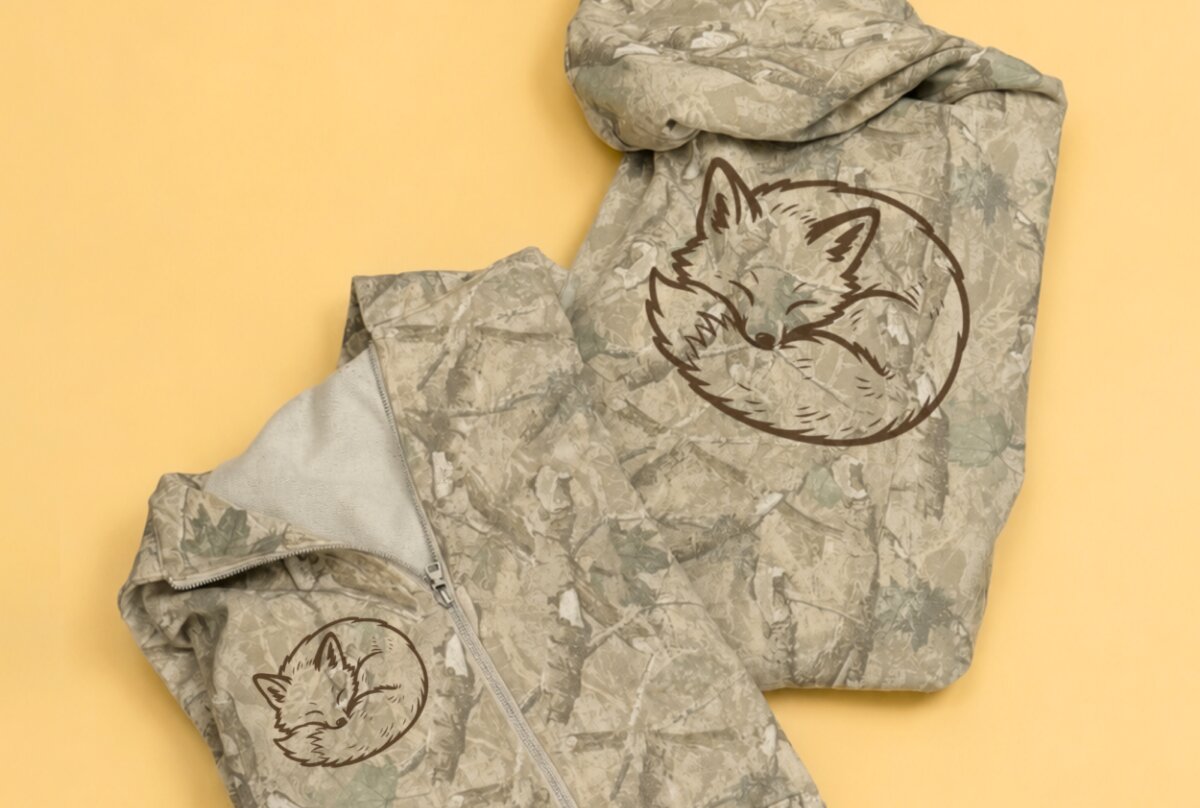
Why Sawgrass fits a real personalization business
When customers pay for custom, they expect it to look right every time. Consistency protects your reputation and your margin.
Sawgrass supports that with a setup designed for makers who sell:
- Desktop-friendly footprint for small studios and home businesses
- Production flexibility for one-offs and daily orders
- Tools built around product decoration, including Sawgrass Print Utility and the My Sawgrass Design Tool
- Support and education that helps you keep moving when deadlines hit
If your goal is repeat orders, not repeated troubleshooting, that foundation matters.
One workflow, more products:
Traditional sublimation works best on poly-coated blanks. That is perfect for many bestsellers like drinkware and coated hard goods. But personalization customers also ask for cotton shirts and other popular surfaces.
VersiFlex helps you expand without changing how you work:
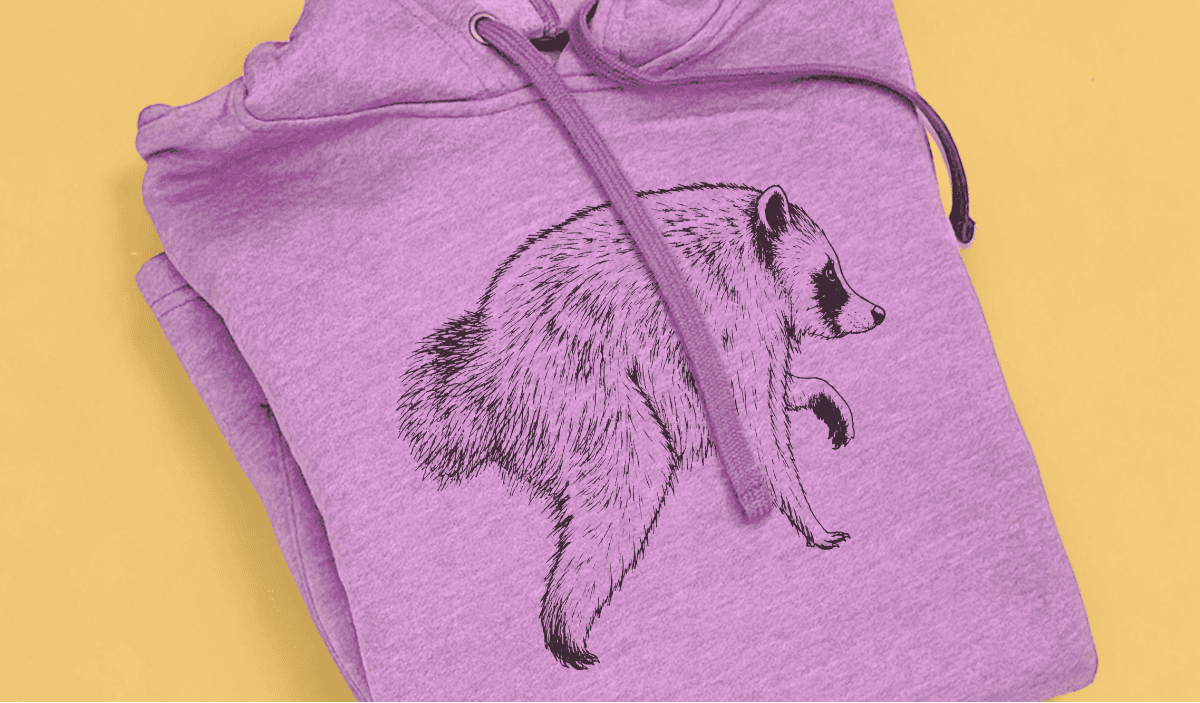
- Use your sublimation workflow for coated blanks
- Use VersiFlex Light for cotton and other compatible materials that can handle heat
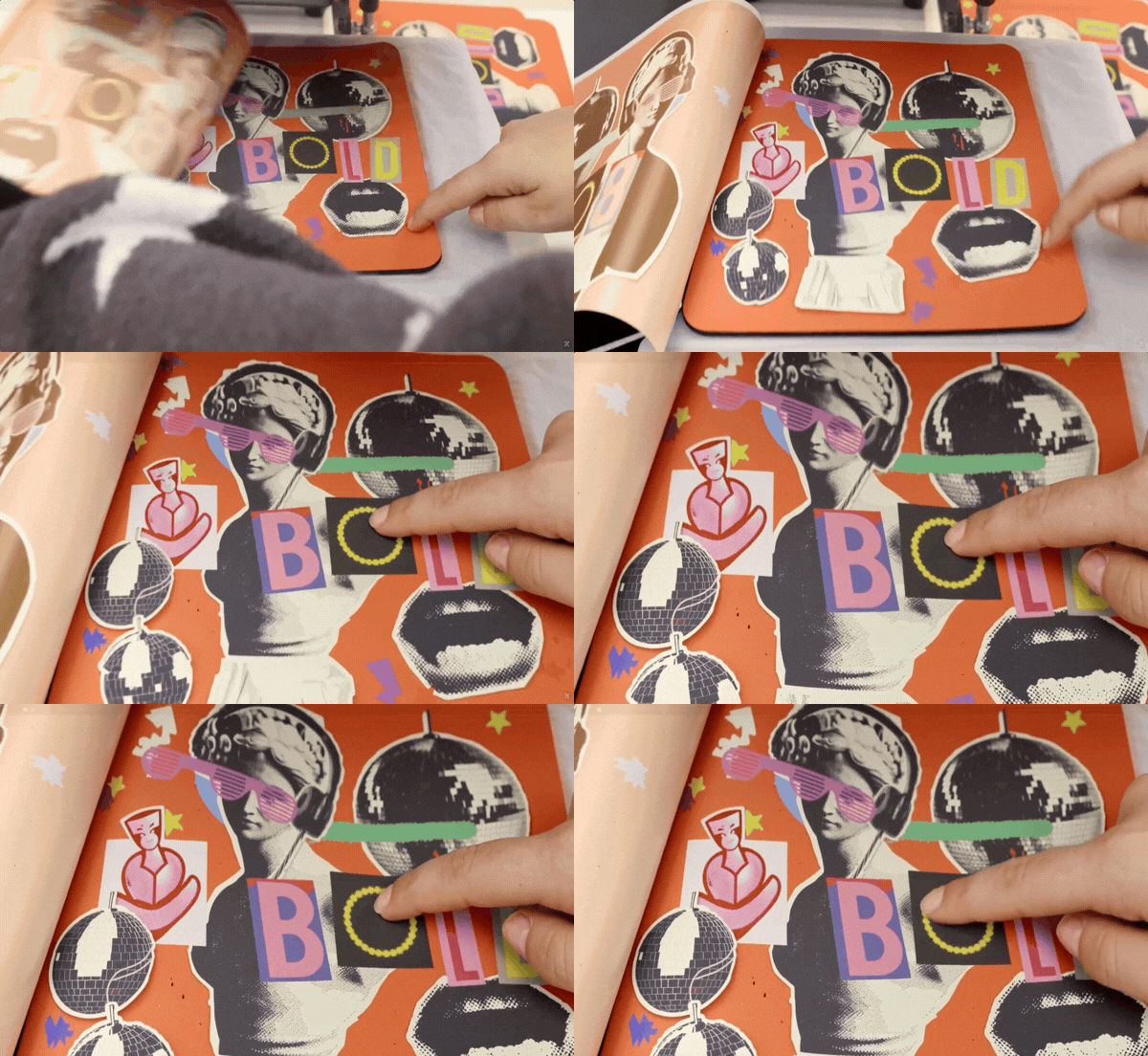
- Offer more products without outsourcing
That means you can keep your shop simple while increasing what you can sell.
Start Simple
Many makers lose momentum by launching too many product types at once. If you want the fastest path to sales, start with categories that are easy to explain and easy to reorder.
T-Shirts: repeat buyers and event-driven demand
Shirts sell because they are tied to moments. When the next moment comes, customers buy again.
Common shirt orders include:
- Spirit wear and school events
- Teams, camps, clubs, and youth organizations
- Family reunions and vacations
- Holidays and seasonal drops
- Photo-driven gifts and memorial designs
Simple selling strategy: plan a small calendar of seasonal tees and school-event themes so you are ready when buyers are on a deadline.
Drinkware: everyday use plus easy upsells
Drinkware is evergreen. It is useful, giftable, and easy to personalize with names, dates, and patterns.
Drinkware keeps selling because it fits:
- Mother’s Day and Father’s Day
- Graduation gifts and class year designs
- Wedding party sets
- Teacher appreciation
- Birthdays year-round
Pro tip for higher order value: bundle drinkware as a gift set or use mugs as gift containers with small add-ins.
Protect your profit with Sawgrass Print Utility
Even if you design elsewhere, Print Utility helps you keep output consistent by pairing print settings to the substrate you are pressing. That consistency reduces reprints, saves blanks, and protects your time.
If you want business-grade results, this is the step that helps you get them.
What to launch first
If you want a simple plan, start with these two product lanes and build outward:
- Shirts for events, groups, and photo-driven gifts
- Drinkware for everyday use, gifting, and bundles
Once those are dialed in, expand into add-ons like keychains, magnets, puzzles, trays, and more.
Ready to sell personalized shirts and drinkware? Start with Sawgrass printers built for decoration workflows, add VersiFlex for cotton and more surfaces, and use Print Utility plus the My Sawgrass Design Tool to streamline from design to press.
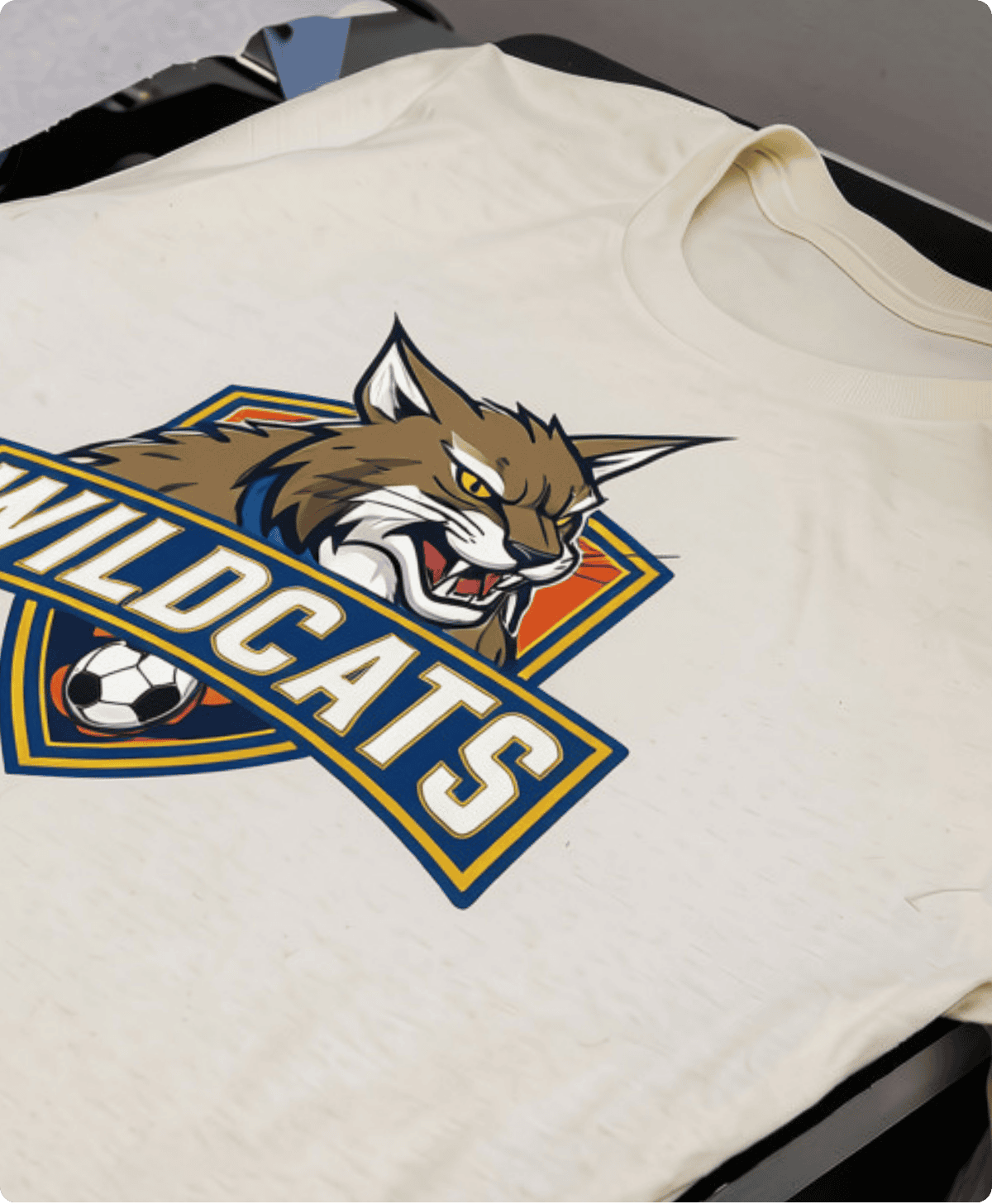
Get Started
The Sawgrass Team is here to support you.