How to Build a Design System for Custom Products
Create cohesive product collections with consistent colors, fonts, patterns, and layouts.
A strong design system helps small businesses create professional, coordinated products without starting from scratch every time.
Whether you’re designing custom apparel, personalized drinkware, or home décor, a consistent design system makes it easier to build recognizable collections and encourage customers to purchase matching products. Here’s how to create a design system in four simple steps.
1. Choose a Consistent Design Motif
Start with one recognizable visual element that connects your products.
Your motif could be a botanical illustration, geometric pattern, logo, or signature graphic style.
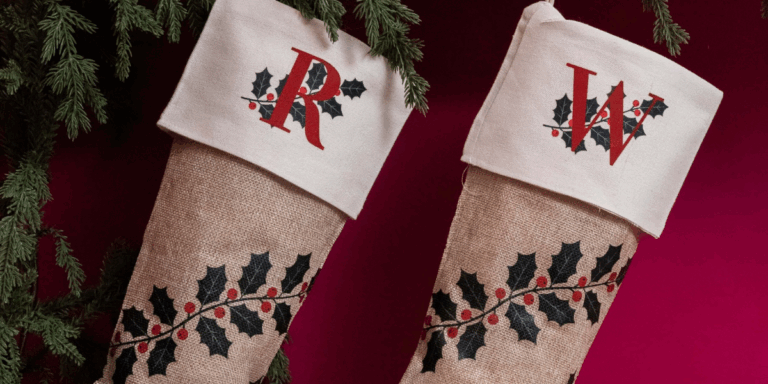
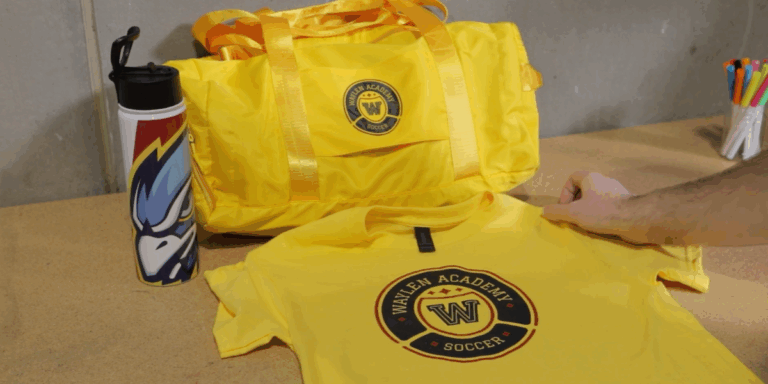
Choose a design that works across different sizes and applications. For example, a repeating floral pattern might cover a tumbler, while a single flower creates a simple design for a T-shirt.
Design Tip: Test your motif at multiple sizes to ensure it remains recognizable across your custom product collection.
2. Create a Cohesive Color Palette
Color consistency is essential for building a recognizable product line. Choose three to four complementary colors, including one dominant shade, and use them throughout your designs.
Document your color values to maintain consistency when creating new products.
3. Select Your Fonts and Typography
Typography plays an important role in creating a cohesive visual identity.
Choose one primary font or a complementary font pairing for your custom designs.
Establish consistent guidelines for font size, weight, capitalization, and placement.
For example, a collection might use bold uppercase lettering for product names and a simple serif font for personalized details.
Using the same typography across products creates a professional, recognizable look.
4. Establish Design Layout Rules
Your design system should adapt to different product sizes without losing its identity.
Create simple guidelines for how your designs appear across products:
Small products: Use a single motif or logo.
Medium products: Combine your motif with typography.
Large products: Incorporate full patterns, illustrations, and text.
Maintain consistent spacing, positioning, and proportions to keep every item visually connected.
Apply Your Design System Across Different Products
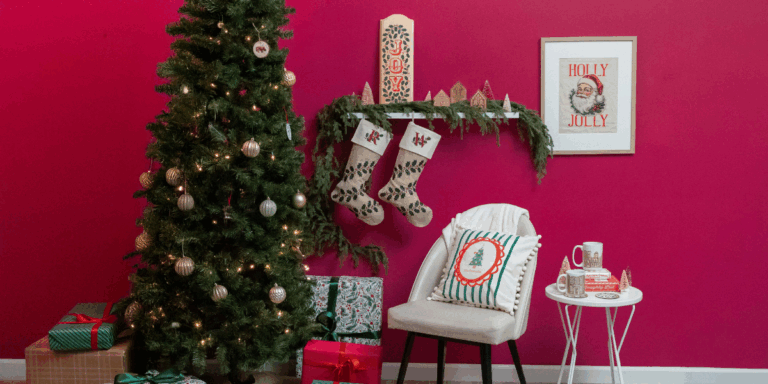
A successful product design system works across multiple materials, from custom T-shirts and tote bags to mugs and tumblers.
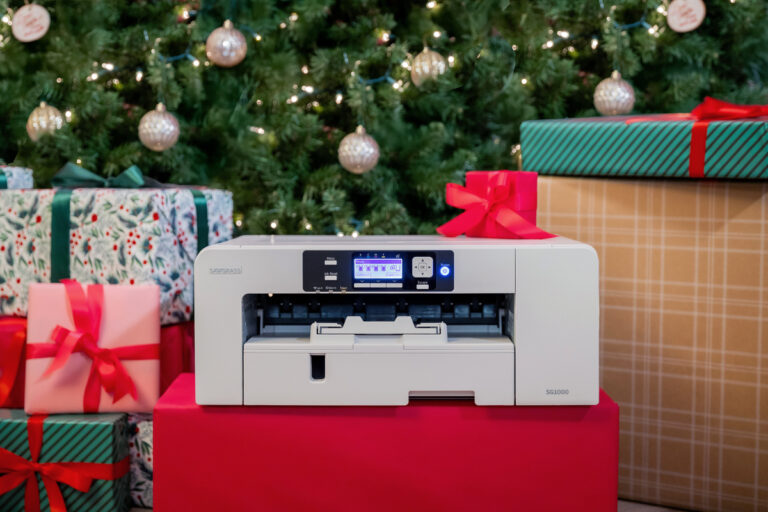
The Sawgrass VersiFlex System makes creating coordinated custom product collections easier.
Using one compatible Sawgrass printer and the VersiFlex Ink Set, businesses can decorate cotton and other compatible fabrics with VersiFlex Light Transfer Paper and compatible coated hard goods using sublimation paper.
This flexibility allows you to use the same design elements across apparel, drinkware, and personalized gifts without investing in separate printing systems.
Frequently Asked Questions
What Is a Design System?
A design system is a set of consistent visual guidelines, including colors, fonts, graphics, and layouts, used to create coordinated products and recognizable branding.
How Many Colors Should a Design System Have?
Start with three to four complementary colors. A limited color palette helps maintain visual consistency across products.
Why Is a Design System Important for Small Businesses?
A design system saves design time, strengthens brand recognition, and makes it easier to create matching products and collections.
Can One Design System Work Across Different Products?
Yes. A flexible design system can be adapted for apparel, drinkware, home décor, and personalized gifts while maintaining a consistent visual identity.
Start Building Your Custom Product Collection
With the Sawgrass VersiFlex System, you can turn those designs into coordinated apparel, drinkware, and personalized products using one printing system.