The Art of Adding Texture
Learn four simple techniques to give digital artwork a handmade look with texture, depth and character.
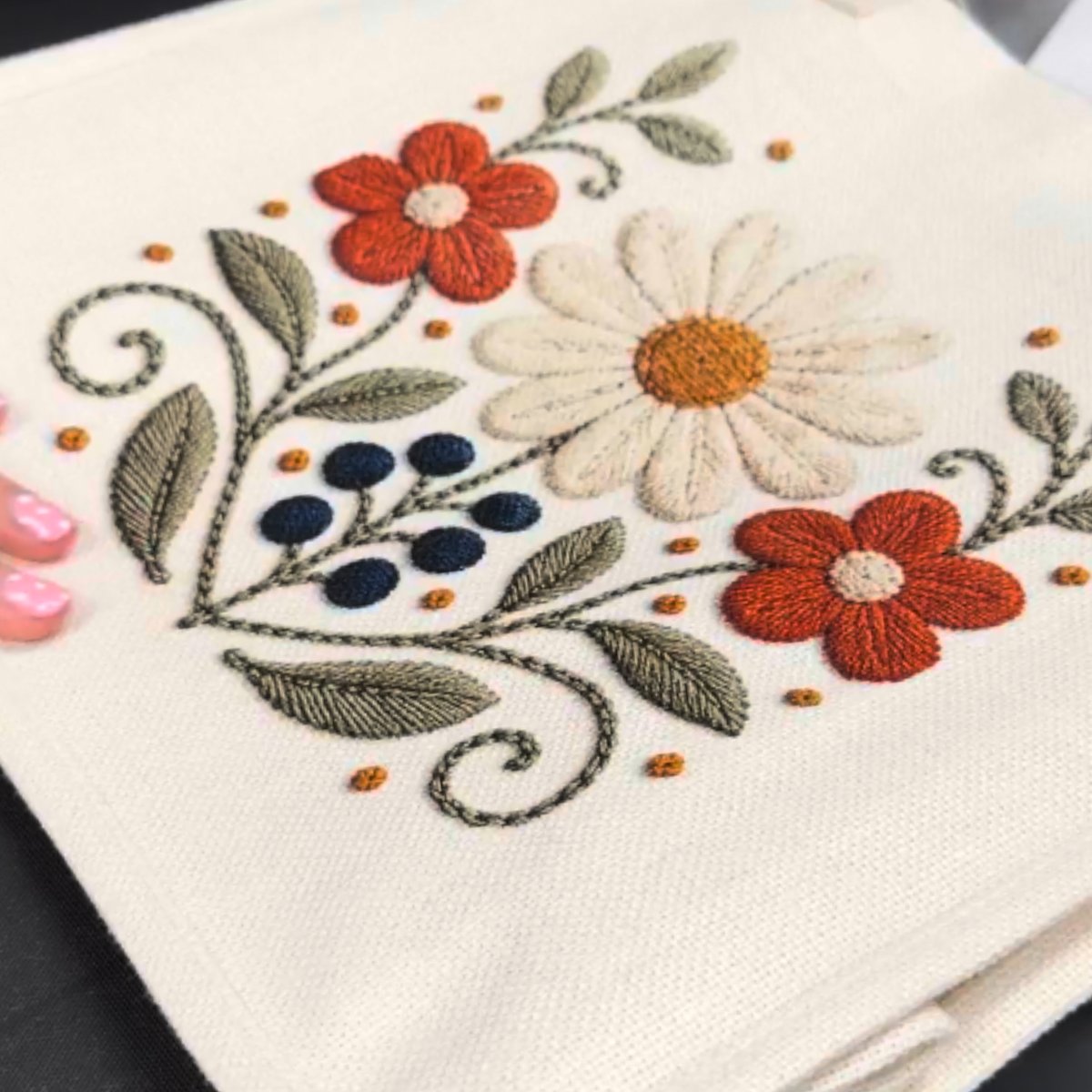
Why Texture Matters in Digital Design
Texture is doing one job: it signals that a person made the thing.
That signal is currently worth a lot. Buyers are increasingly drawn to artwork that feels handmade, with visible imperfections and details that give each design character.
Even Etsy has highlighted texture as a major design trend, reflecting a growing appreciation for tactile finishes and handmade aesthetics.
Texture isn’t simply decoration added to a design. It’s often what makes the artwork feel unique, intentional and worth purchasing.
4 Ways to Add Texture to Your Designs
1. Add Grain and Noise
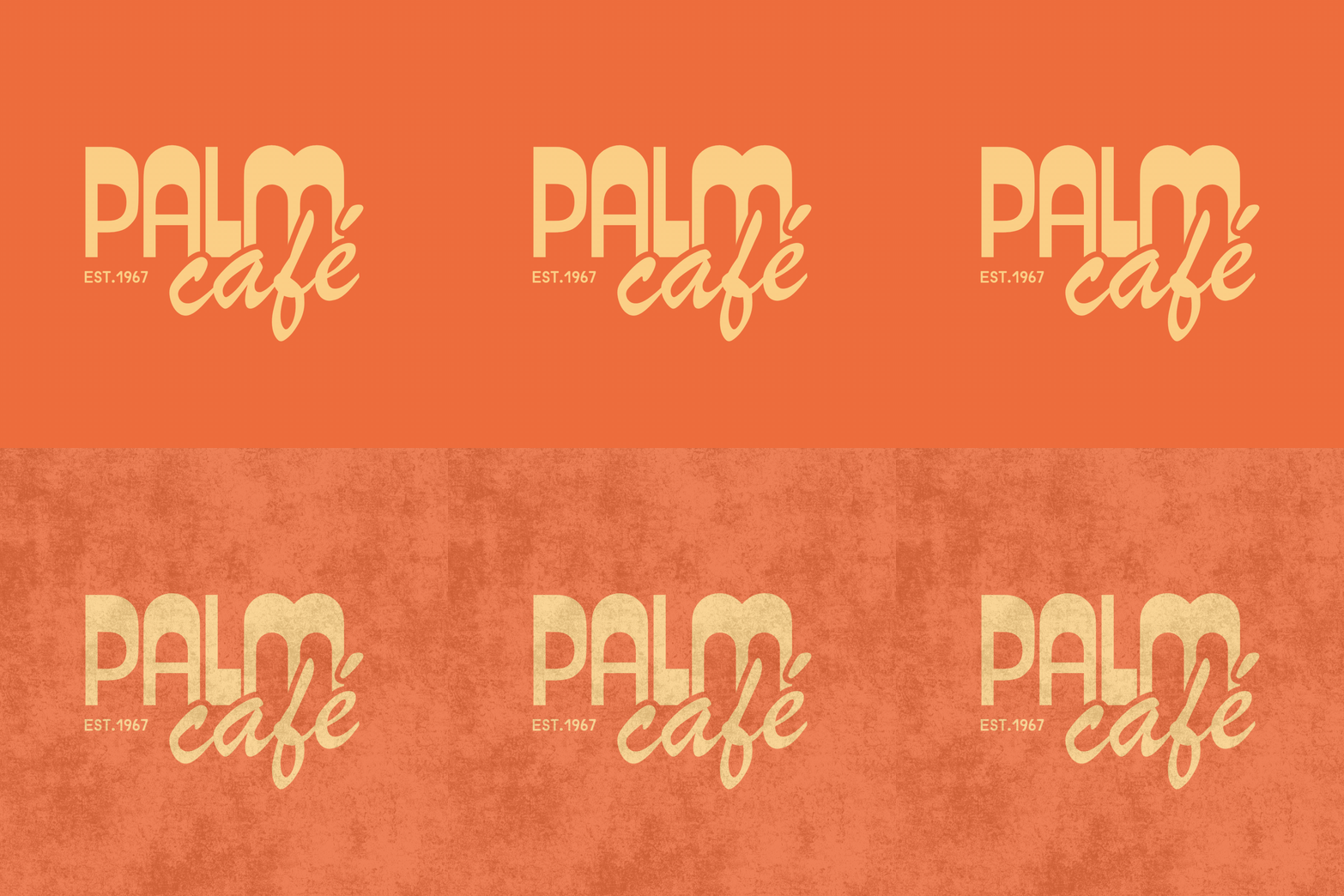
Grain adds subtle imperfections that give digital artwork a natural, printed appearance.
Create a separate grain layer above your artwork, set the blending mode to Multiply or Overlay, and adjust the opacity between 10–30%.
2. Create a Distressed Effect
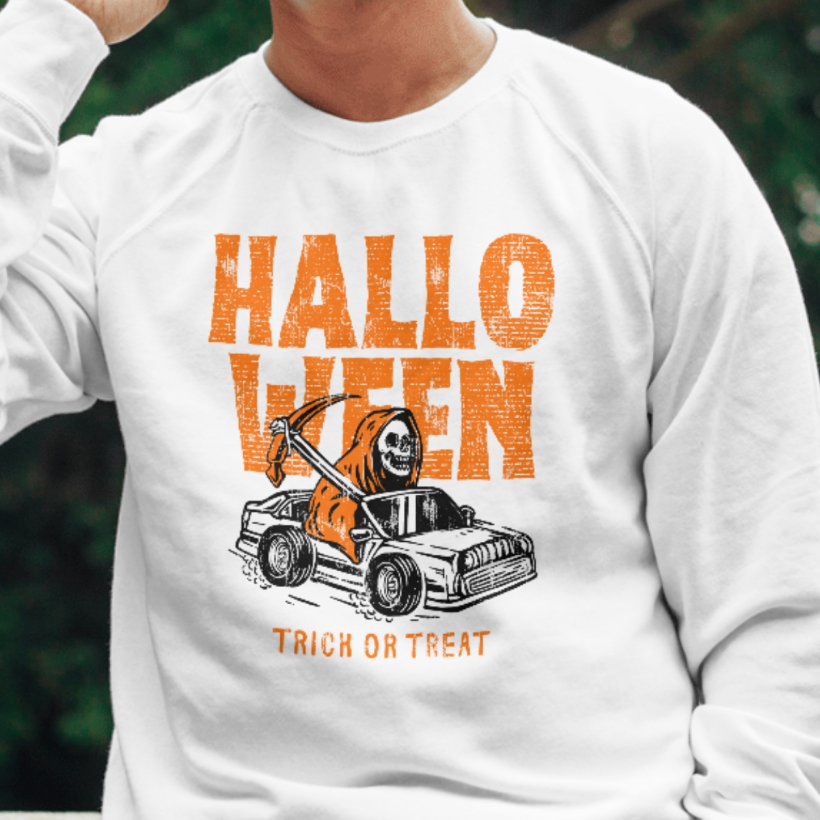
Distressing gives artwork a worn, vintage appearance by breaking up solid colors and softening edges.
Focus on areas where natural wear would occur, such as edges and high points. Avoid applying distress evenly across the entire design.
Keep text readable and important details recognizable.
3. Use Halftones and Patterns
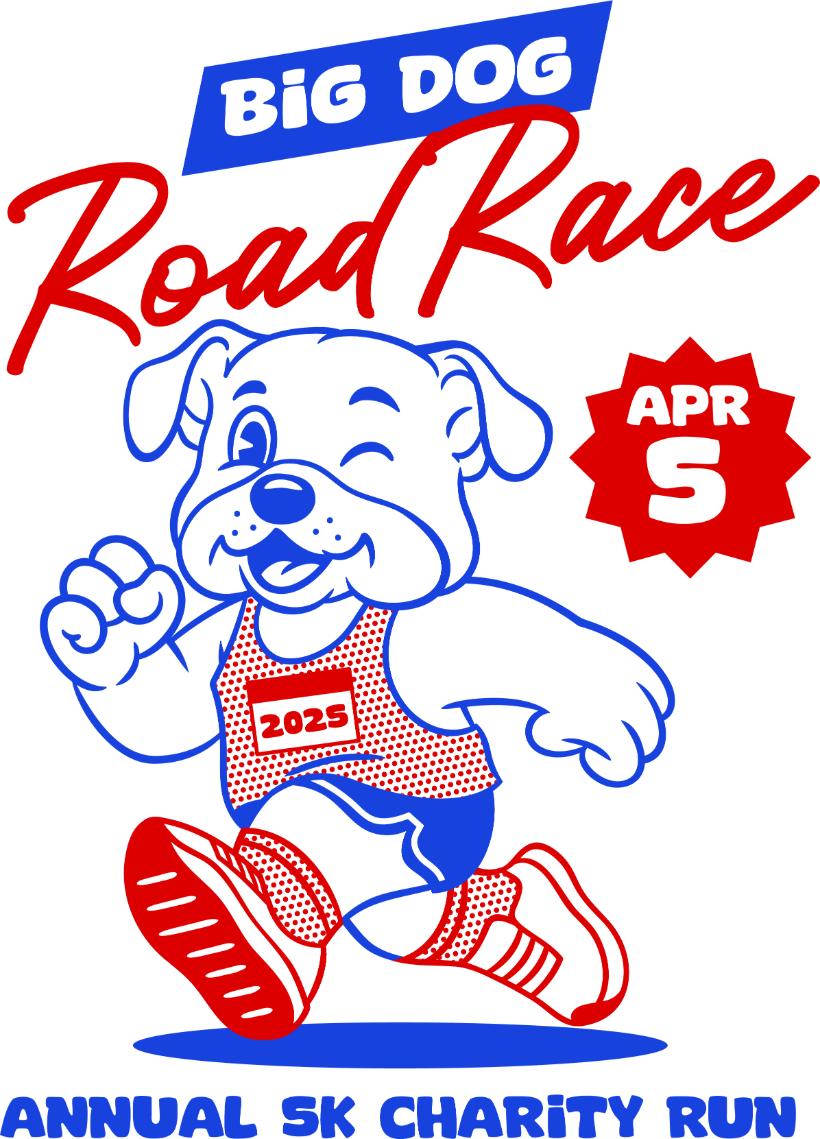
Halftones use dots, lines or patterns to create shading and dimension without traditional gradients.
Varying the size and spacing of halftone dots can add depth to otherwise flat artwork.
This technique works especially well for retro graphics, vintage designs and printed apparel.
4. Add Paper and Fabric Textures
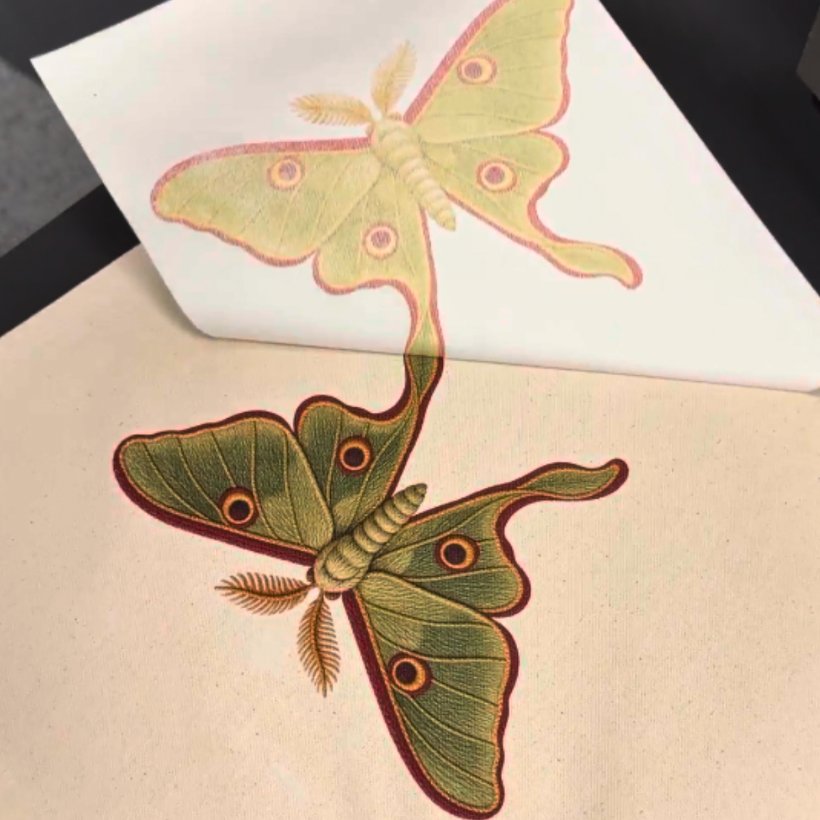
Paper grain, linen and canvas textures can give digital designs a more organic appearance.
Layer these textures over your artwork at a low opacity to create subtle surface details.
Using the same texture treatment across multiple designs also helps create a consistent collection.
How to Prepare Textured Designs for Printing
Before sending your artwork to print, follow these steps:
1. Create your design at 300 DPI at the intended print size.
2. Keep texture layers separate while editing.
3. Review fine details at actual print dimensions.
4. Select the appropriate settings in Sawgrass Print Utility.
5. Print and press a sample before production.
Why VersiFlex Is Better For Textured Designs
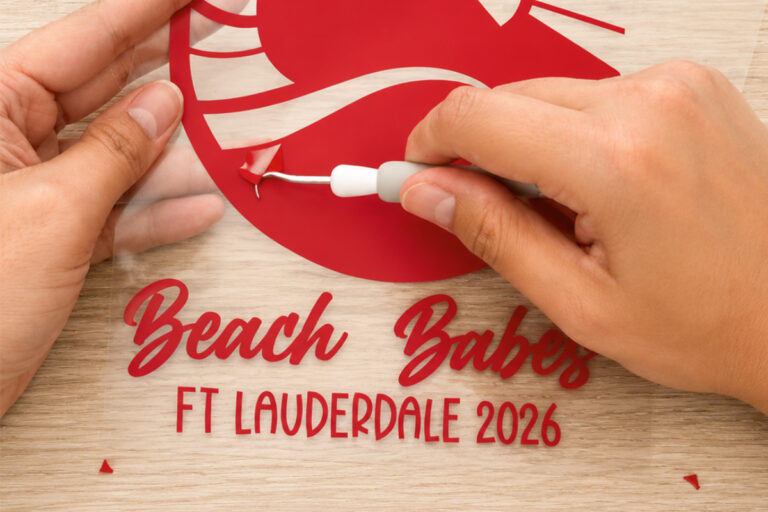
Fine textures like grain, halftones and distress can be difficult to reproduce with traditional heat transfer vinyl (HTV). Cutting and weeding hundreds of tiny details takes time, and intricate textures can lose definition. See How VersiFlex Compares to Heat Transfer Vinyl (HTV)
While direct-to-film (DTF) printing can reproduce full-color artwork, its adhesive transfer creates a noticeable layer on top of the garment. This can affect the natural feel of the fabric, especially across larger designs. See How VersiFlex Compares to Direct To Film (DTF)
The Sawgrass VersiFlex System takes a different approach. Rather than leaving a thick transfer layer on the surface, VersiFlex bonds to cotton fibers for a softer, more natural feel. It also reproduces fine details, smooth gradients and distressed effects without cutting, weeding or adhesive powder.
Bring Your Textured Designs to Life With VersiFlex
From subtle grain to detailed halftones, the Sawgrass VersiFlex System makes it easy to reproduce full-color artwork without cutting or weeding.